

This article will show you how to add Locations to your account devices can be organized into groups. This is useful if you are setting up a large property, such as a hospital, where you want to view and manage each department separately.
Add New Location to Existing Company
After you have an existing Company, you can always add additional Locations.
-
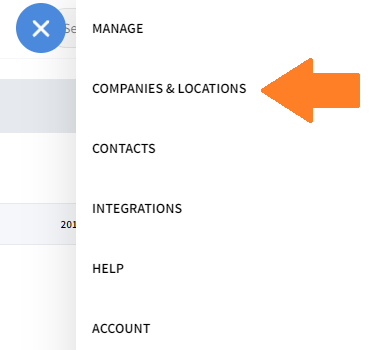
Click on Companies & Locations from the toolbar.
-
Find the Company or Location you want to add a new location underneath and click on the + next to it to begin adding a new Location.

-
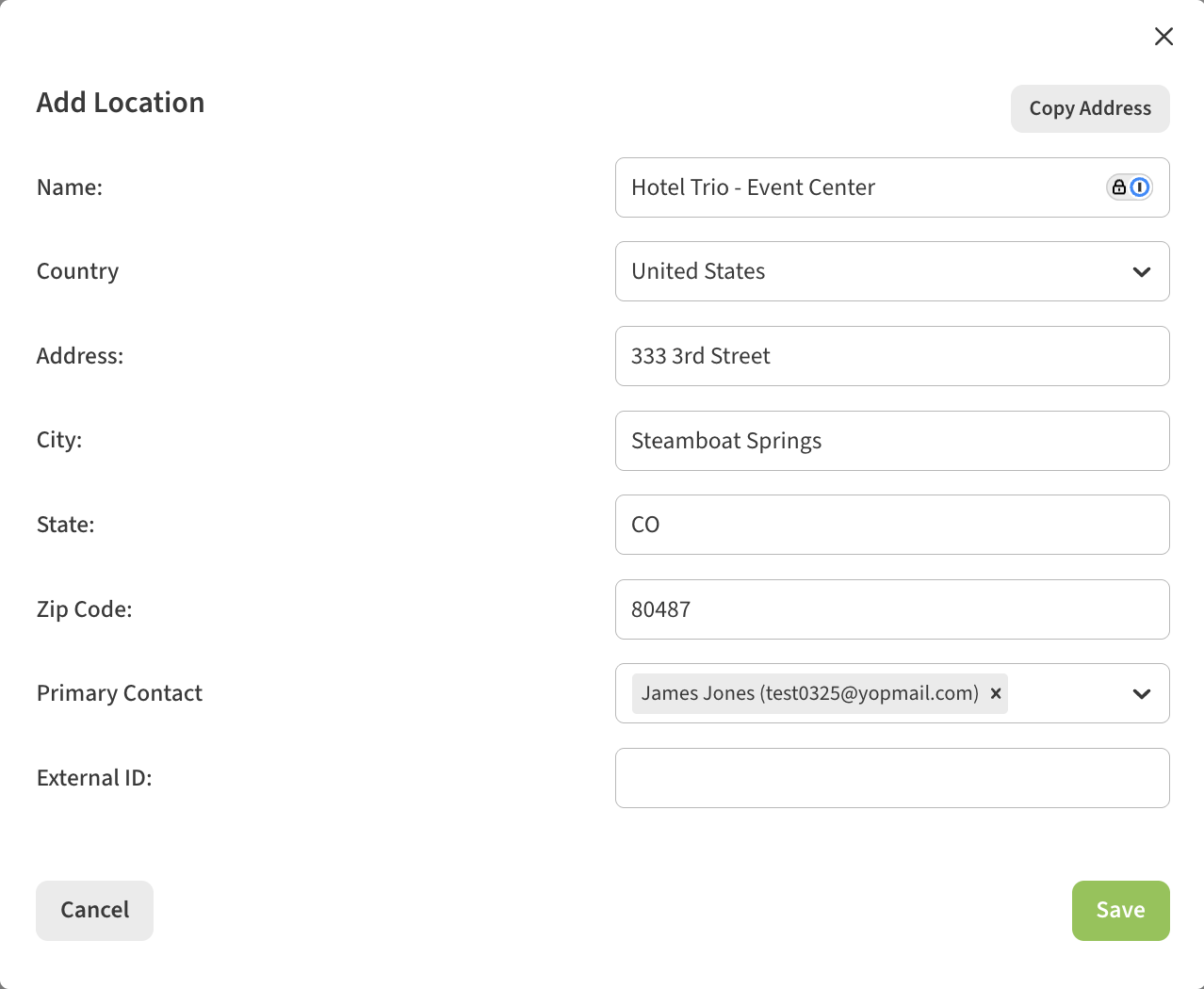
Complete the form to add a new location.
-
You will then be returned to Companies & Locations screen where you will see your new Location.
