The names shown under Assigned To for your Panic Button tracker can be easily created or changed. “Assigned to” names are optional – they allow you to share the same panic button between multiple staff members and keep track of which user has which button.
💡 You may assign buttons to contacts that do not have access to the application simply by adding their name to the Assigned To feature on the dashboard.
Add new Assigned To name
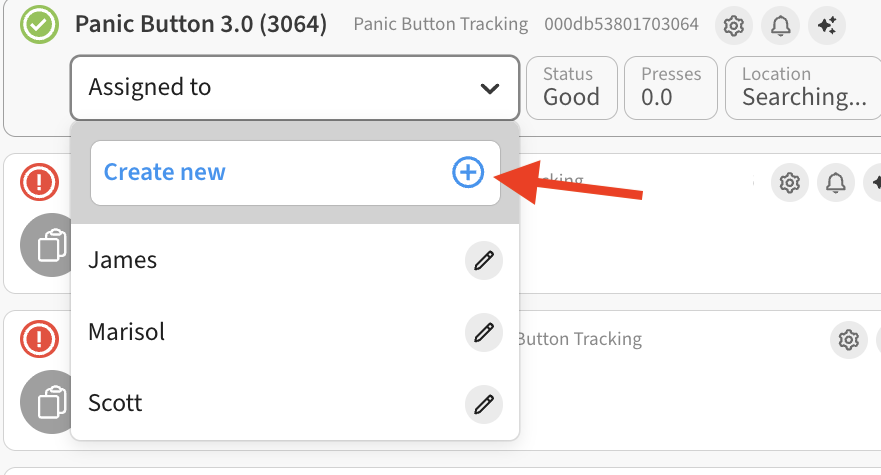
To create a new Assigned To entry, expand the dropdown and select the Add New option.
Give the new entry a name and click Save.
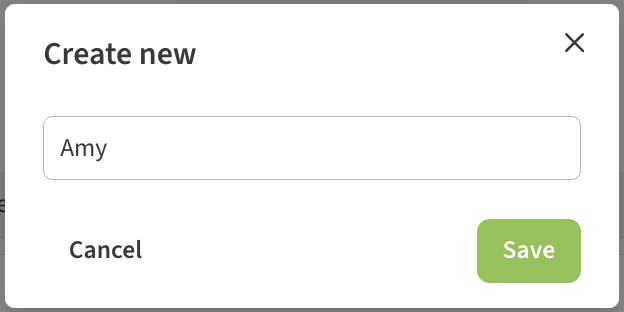
The new name is then available for assigning to the device using the drop-down.

Edit or Remove a Name
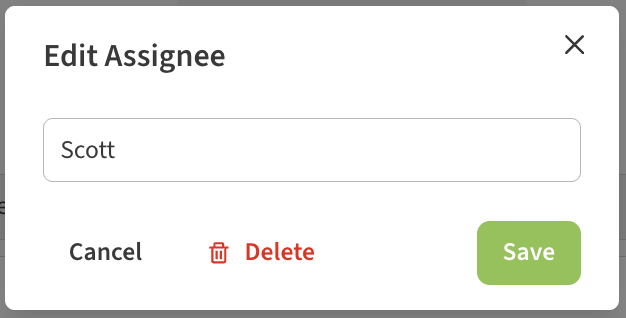
To remove a name from the Assigned To dropdown, simply select the Edit (pencil) icon next to that name on the dropdown list.
This will open a dialog where you can edit the name and Save. Or, choose to Delete the name.