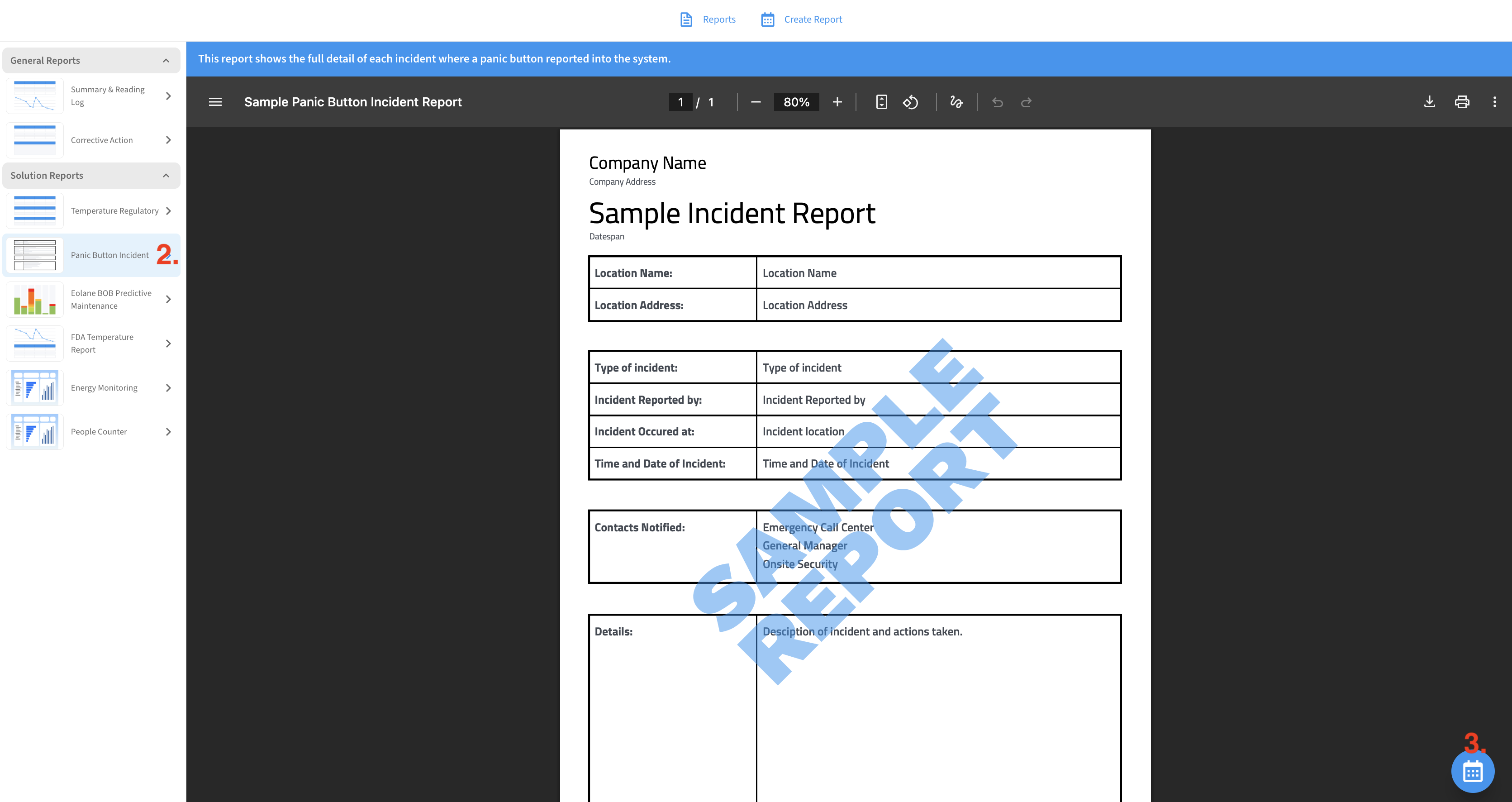
The Panic Button Incident Report will contain a summary of any emergency alerts over your chosen time period. You can use this feature to setup scheduled automatic reports or to generate custom, on-demand, reports for your records.
Creating an Incident Report
-
Go to Menu → Reports for the location containing the panic buttons you want a report on.
-
Choose Panic Button Incident Report from the Solution Reports area in the left sidebar
-
Click on the the circle in the lower-right to begin creating a new report
-
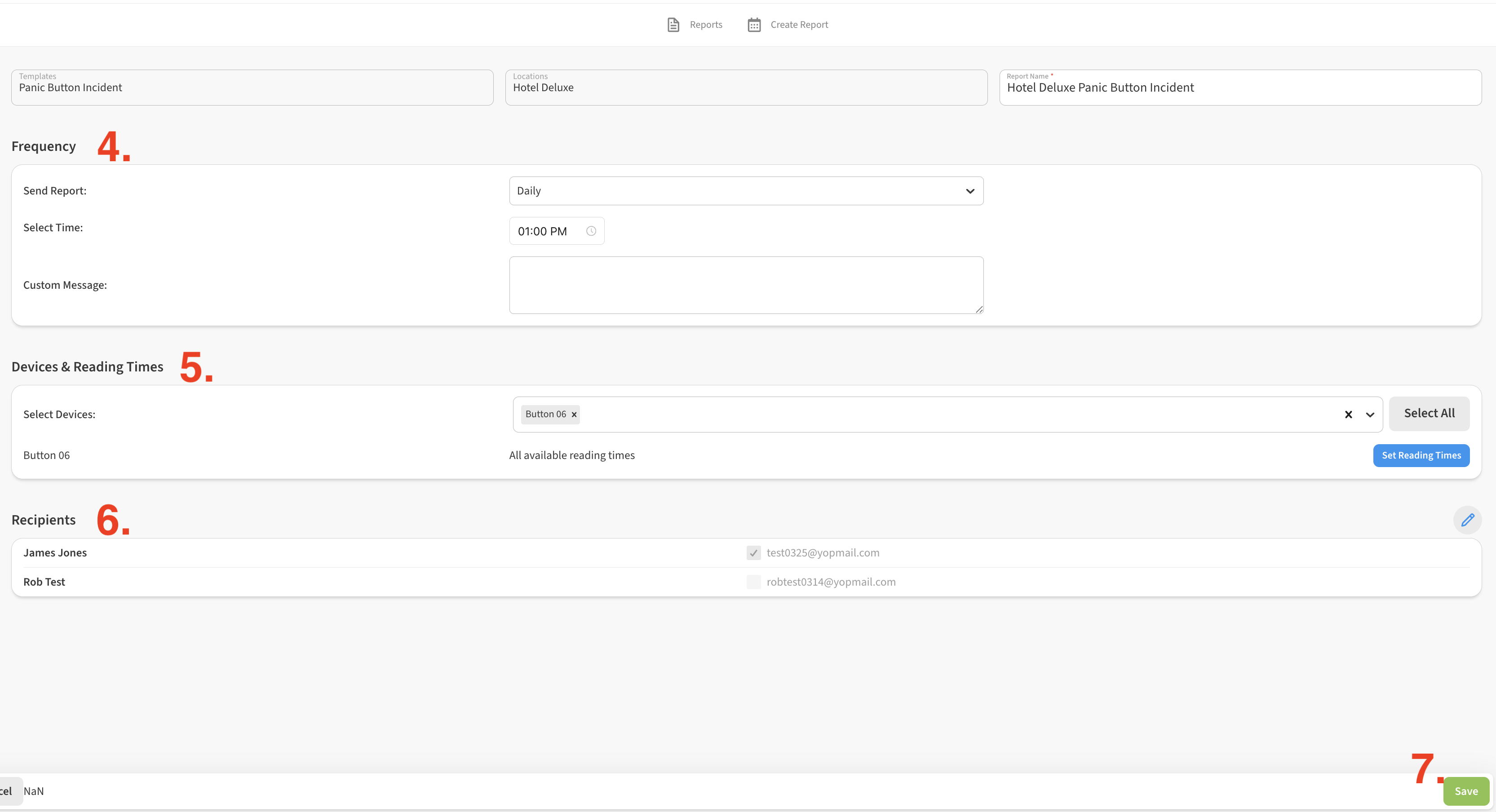
Choose a frequency and run time for your report in the Frequency section. You can choose from daily, weekly, monthly or Custom (One-Time) which allows to you define a time range for the report.
-
Choose which panic button devices should be covered in the report in the Devices & Reading Times section. If you leave this blank, it will include all devices from that Location.
-
Choose which recipients the report should be emailed to in the Notify Contact section.
-
Click Save to save your changes.