

Activation
-
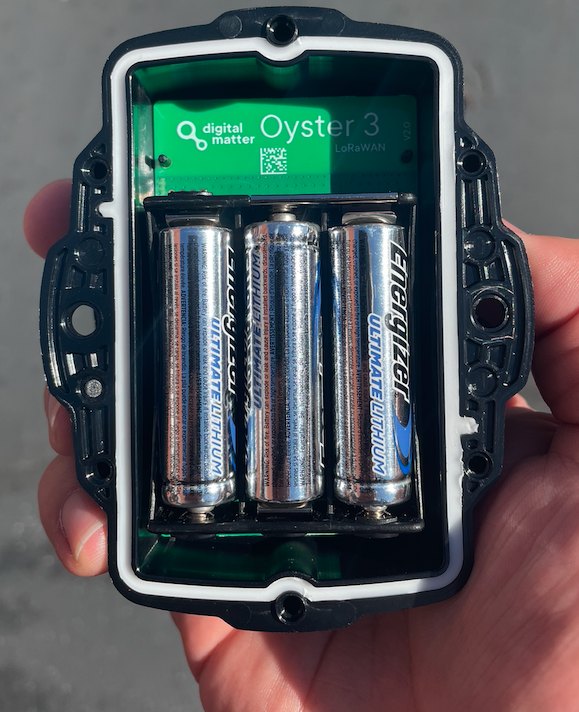
Insert the 3 batteries.
-
Confirm the red light on the back of the battery holder.
-
Once the batteries are inserted, place the battery holder back inside the device and screw it shut.
Activation Video
Reset
-
Remove the 3 batteries from the sensor and wait 10 seconds
-
Re-insert the 3 batteries.
-
Confirm the red light on the back of the battery holder.
-
Once the batteries are inserted, place the battery holder back inside the device and screw it shut.