

Integrations can easily be modified or removed from My Integrations screen.
Go to ☰ → INTEGRATIONS,
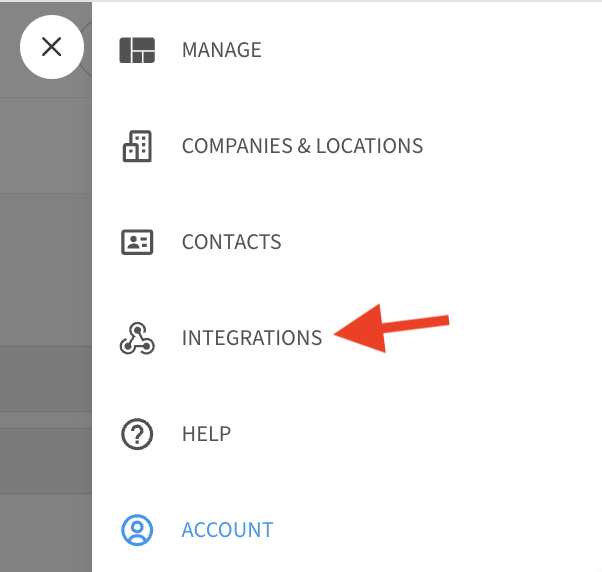
then click on My Integrations

Located on this screen is a list of each of the existing integrations in your account.
To Edit or Delete an existing integration, click on the Edit (pencil) icon next to its entry on this list.
You can also temporarily disable the integration by toggling it off (grey/left) with the switch in the Actions column.