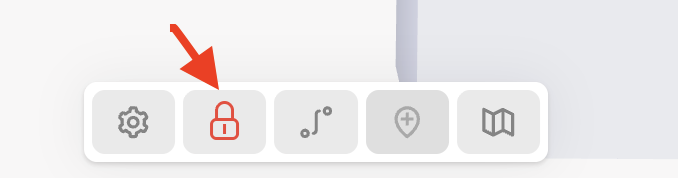
You can Lock the device pin makers so that they can no longer be moved on the map. This will help prevent accidental pin moves when multiple users have access to the same map.
To activate this feature, select the Lock icon from the menu in the bottom-center when viewing your sensor map.
Lock Markers:
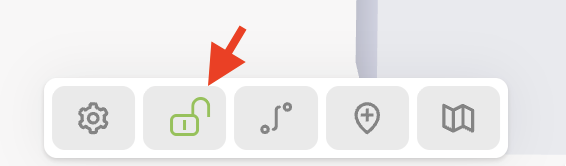
To unlock markers on the sensor map, click on the same icon (which will have turned into a red lock when the map was locked)
Unlock Markers