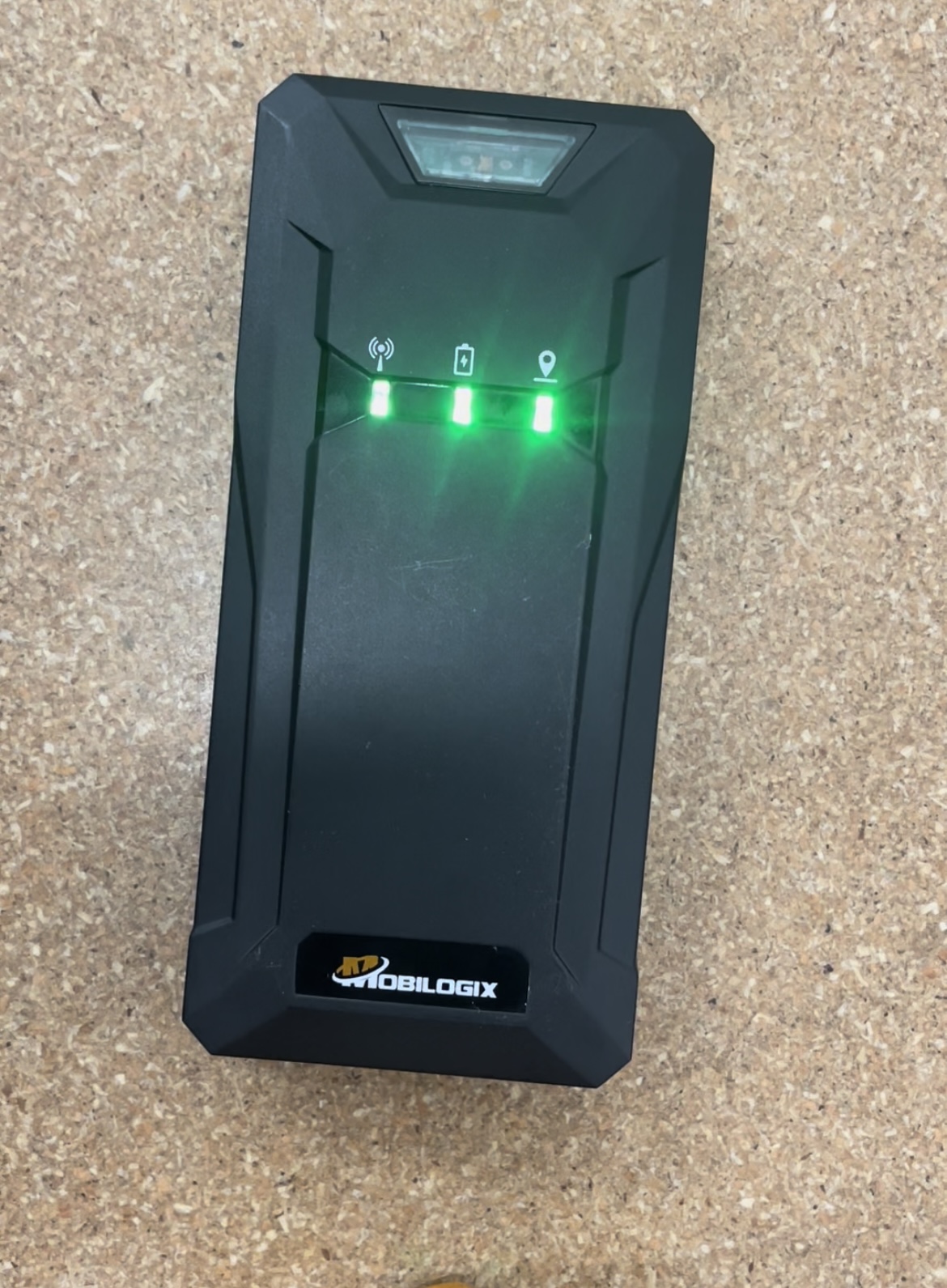
Activation
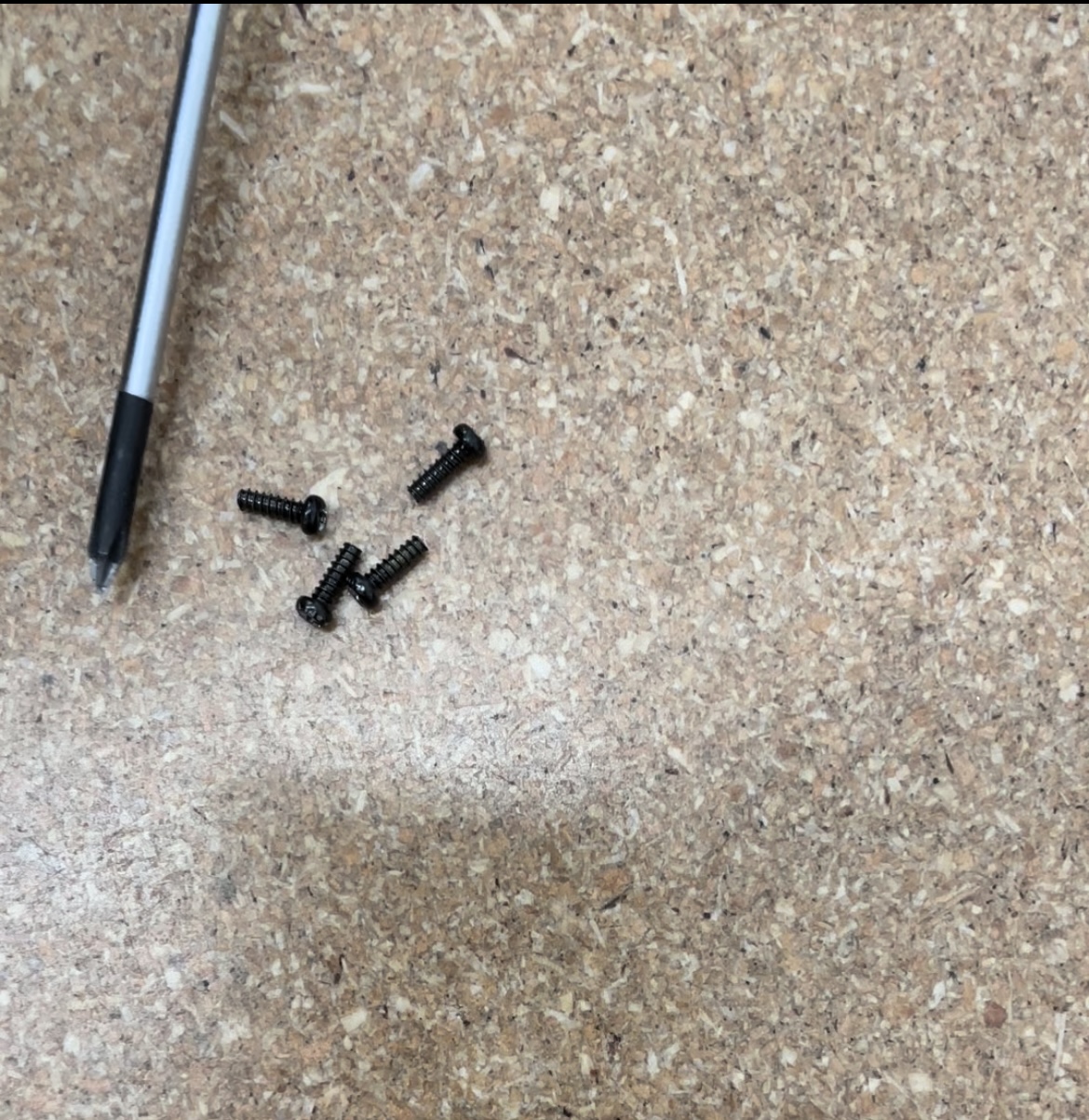
1. Use a Phillips head screwdriver to remove the 4 screws from the back of the unit
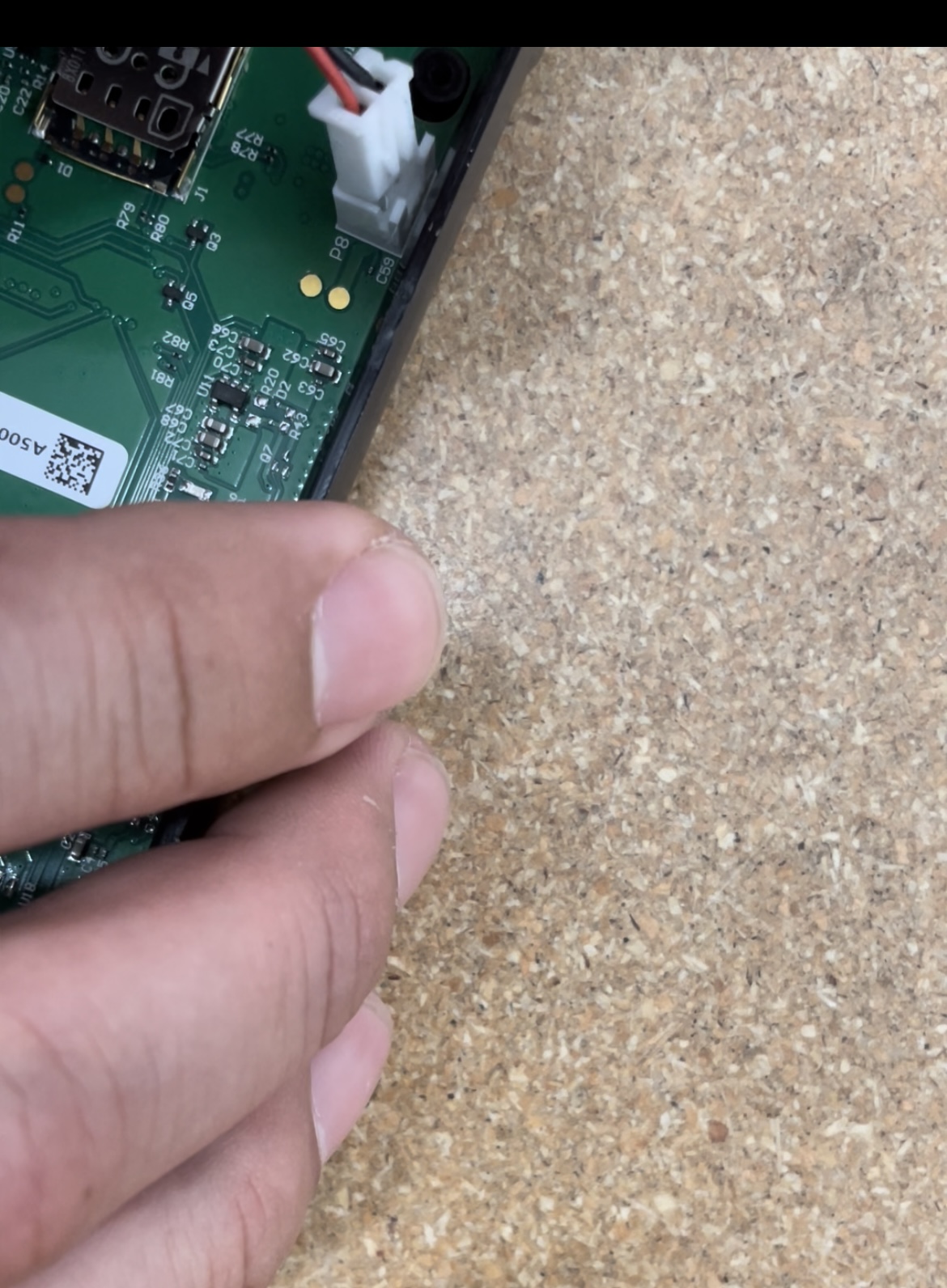
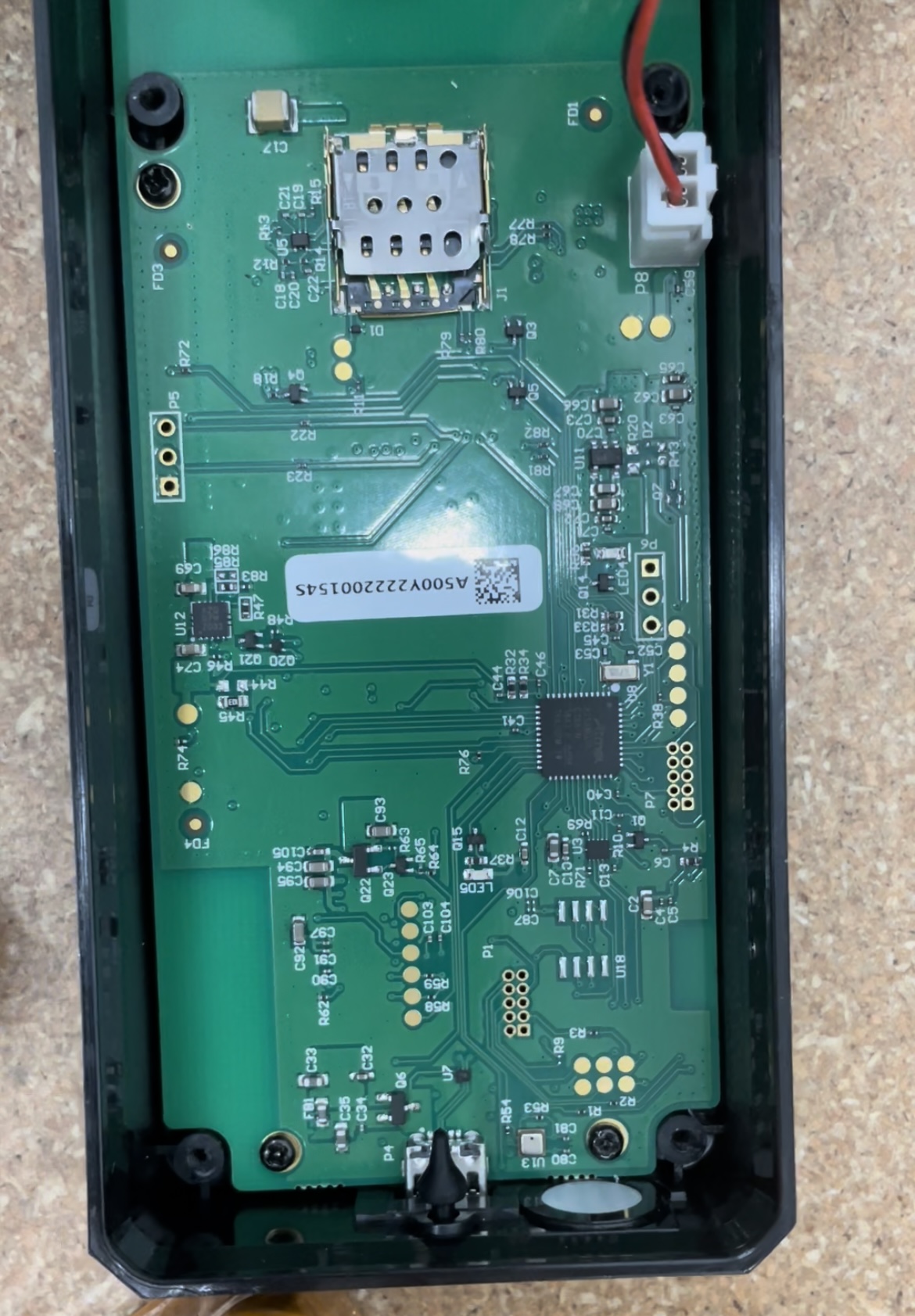
2. Plug the cord with a white plastic connector into the sensor
3. Place the orange rubber seal around the sensor
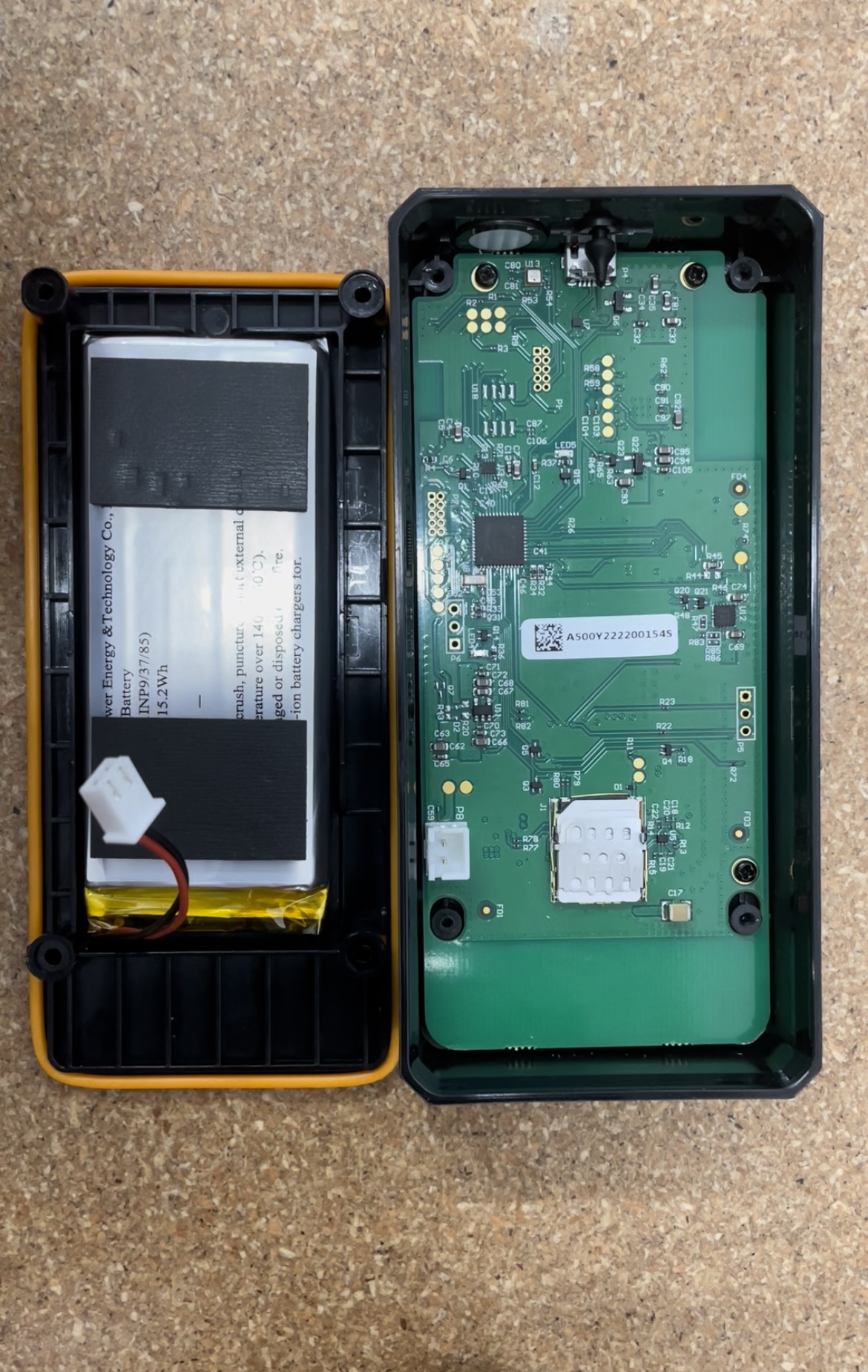
4. Use the Phillips head screwdriver to seal the sensor shut – green lights will flash confirming the activation