The NWave devices requires the use of the manufacturer’s Android Device for activation.
Download Manufacturer’s App
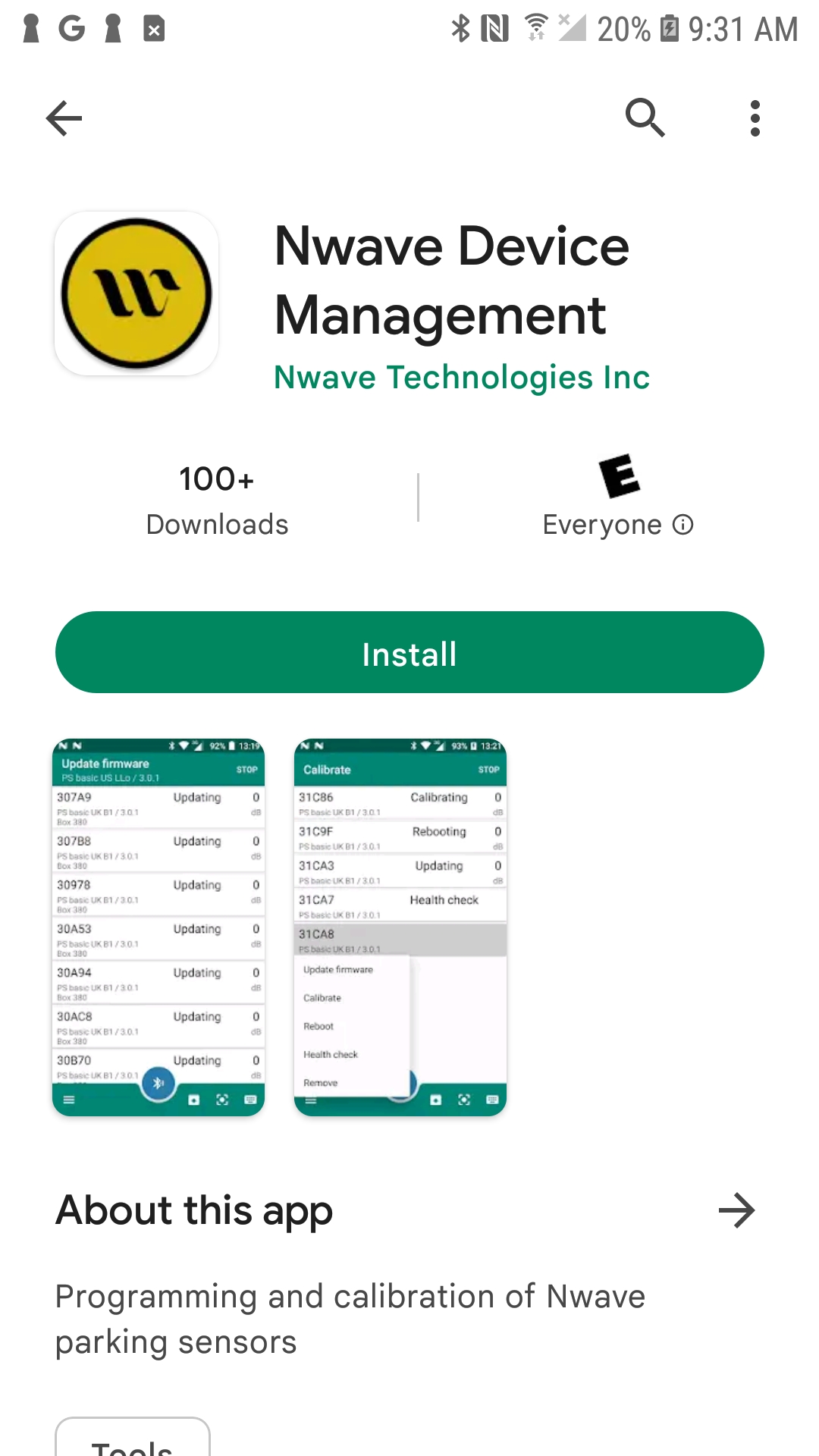
Download the NWave Device Management app via the Google Store
Activating Sensor
-
Create an account or log in as a guest
-
Scan via Bluetooth the sensor to activate, or scan via QR code
-
Select the device from the list of sensors
-
Select the device to open the sensor menu
-
Select Calibrate / Activate
-
The device will run through calibration
-
Once device is confirmed calibrated, press on the sensor to activate on your App