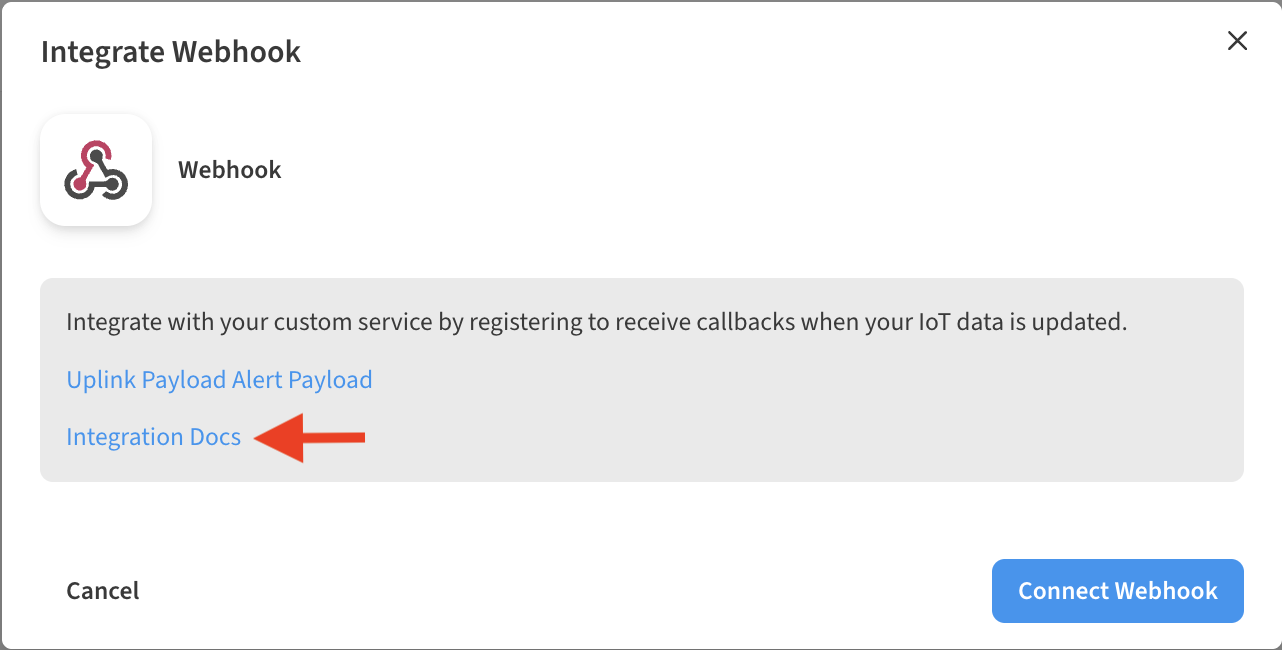
To view a list of the available no-code integrations, or utilize one of the existing supported integrations, refer to the Integrations page.
-
Log into your account dashboard.
-
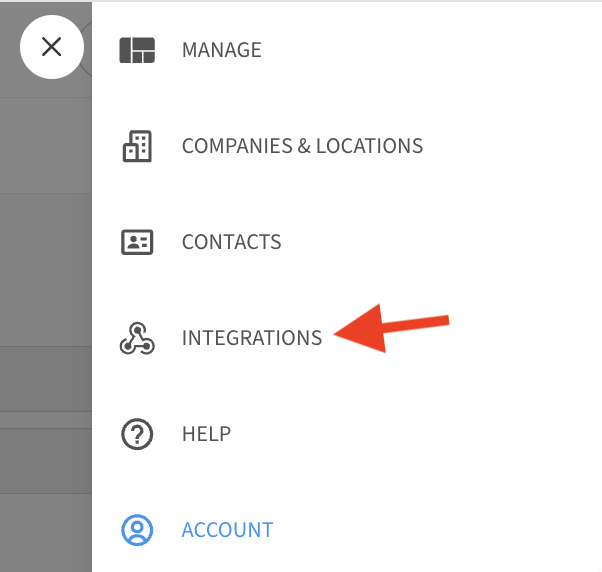
Go to ☰ → INTEGRATIONS
-
From the list of Integrations available, select which integration you would like to add.
After selecting the Integration that you want to add, additional help videos and information are available to help you get things set up.