Integrations can be set to subscribe to only certain Events or Devices, limiting what data is passed to the integration target.
This is controlled in the following two fields, which are part of every integration’s settings page.

-
Event Subscriptions: In this field you can select whether your integration should pass sensor data received (uplink), gateway keep-alive (ping), and alert events.
-
Device Subscriptions: In this field you can select specific devices for the integration to monitor. By default All Devices are selected.
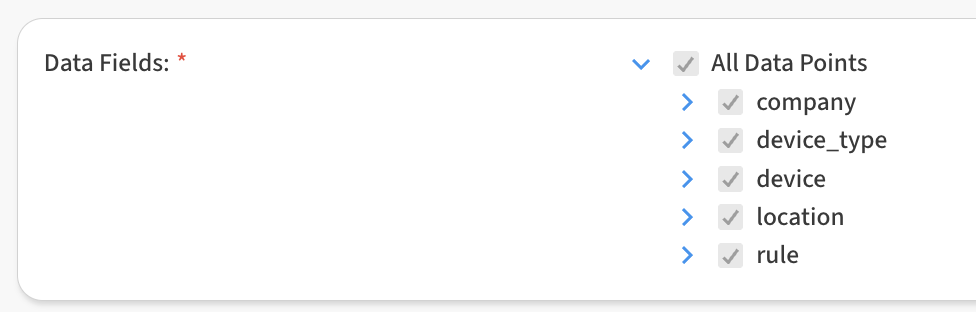
You can also customize the specific data fields that are passed via the integration via the Data Fields checkboxes, available on every integration: