

Activation
-
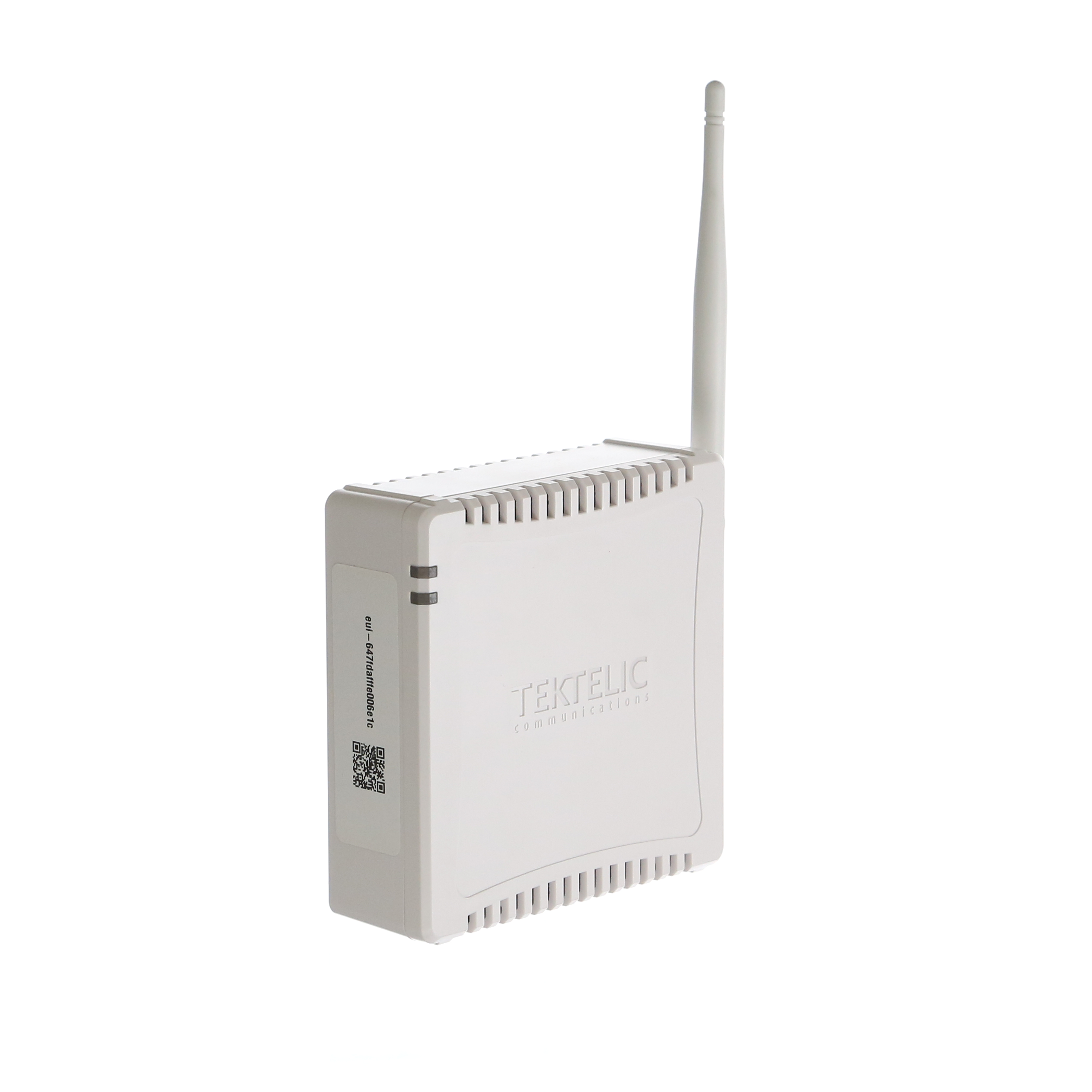
Screw the antenna onto the back of the gateway. It should connect firmly, but do not over-tighten.
-
Plug the power cable into the back of the gateway, and then into a power outlet.
The Kona Micro Gateway built in battery (pre-installed) which will power it for 4 to 6 hours in the event of a power outage.
LED STATUS
The following table describes different LED behaviours. The Kona Micro has two LEDs located on the module top edge.
Table 1: Gateway LED States
|
LED State |
Function |
Duration |
|
Both LEDs off |
No power to gateway |
Until power is applied |
|
Flashing Green |
Normal operation |
Continuous operation |
|
Solid green |
Normal operation |
Continuous operation |
|
Solid red |
Gateway fault, requires service*** |
Until fault is cleared |
-
Up to 15 minutes for software upgrade or recovery.
*** Power cycle gateway.
RESET
This gateway model has a battery backup, to reset it, you need to:
-
Unplug the gateway from wall.
-
Unscrew the battery cover on the bottom (2 screws).
-
Unplug the battery backup (just one cable with a white connector, tug on the connector to unplug).
-
Wait 20 seconds.
-
Reconnect the battery backup.
-
Plug the gateway back into the wall.
-
Refer to the LED States above to verify normal operation (flashing or solid green).