The following article will show you what happens when an emergency button is pressed:
What happens in the dashboard when a button is pressed?
After you activate the emergency mode on your panic button, it will start checking in every 10 to 15 seconds and reporting the location of the closest beacon to it on each check-in.
Physically, the button will have 5 red blinks every 5 seconds.
On the dashboard, the device will appear in alert state with a red exclamation icon:

What types of alert notifications that start getting sent out when an alert is started?
Alert recipients will be notified via text message, email or both per their settings in the Notify Contact area on each alert. Alert Notifications contain a link to the sensor map where you can track the button’s position on each check-in.
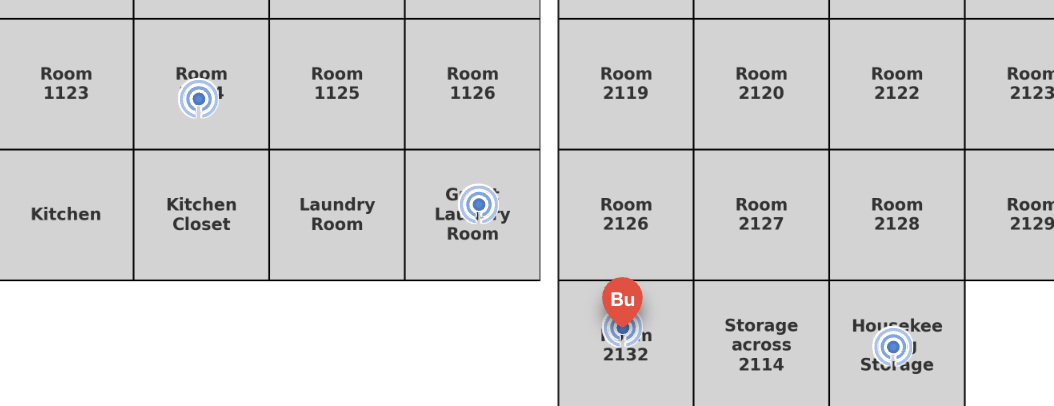
Visualize the position of the alert on your Sensor Map floor plan, and track the button on the map
The pin for the alerting panic button will move around the sensor map, snapping to the icon associated with the beacon that the panic button is detecting. The pin will appear red. Optionally you can set up animation and audible alert sounds on the sensor map.