

Change Account information
You can change your account information and reset your password using the Account Settings tab from the ACCOUNT section on the web dashboard.
-
Log into your dashboard account.
💡 Note: If you’ve forgotten your password, you can use the Forgot Password option.
-
Go to ☰ → ACCOUNT
-
Your account information will be shown. To make changes click on the Edit (pencil) icon.
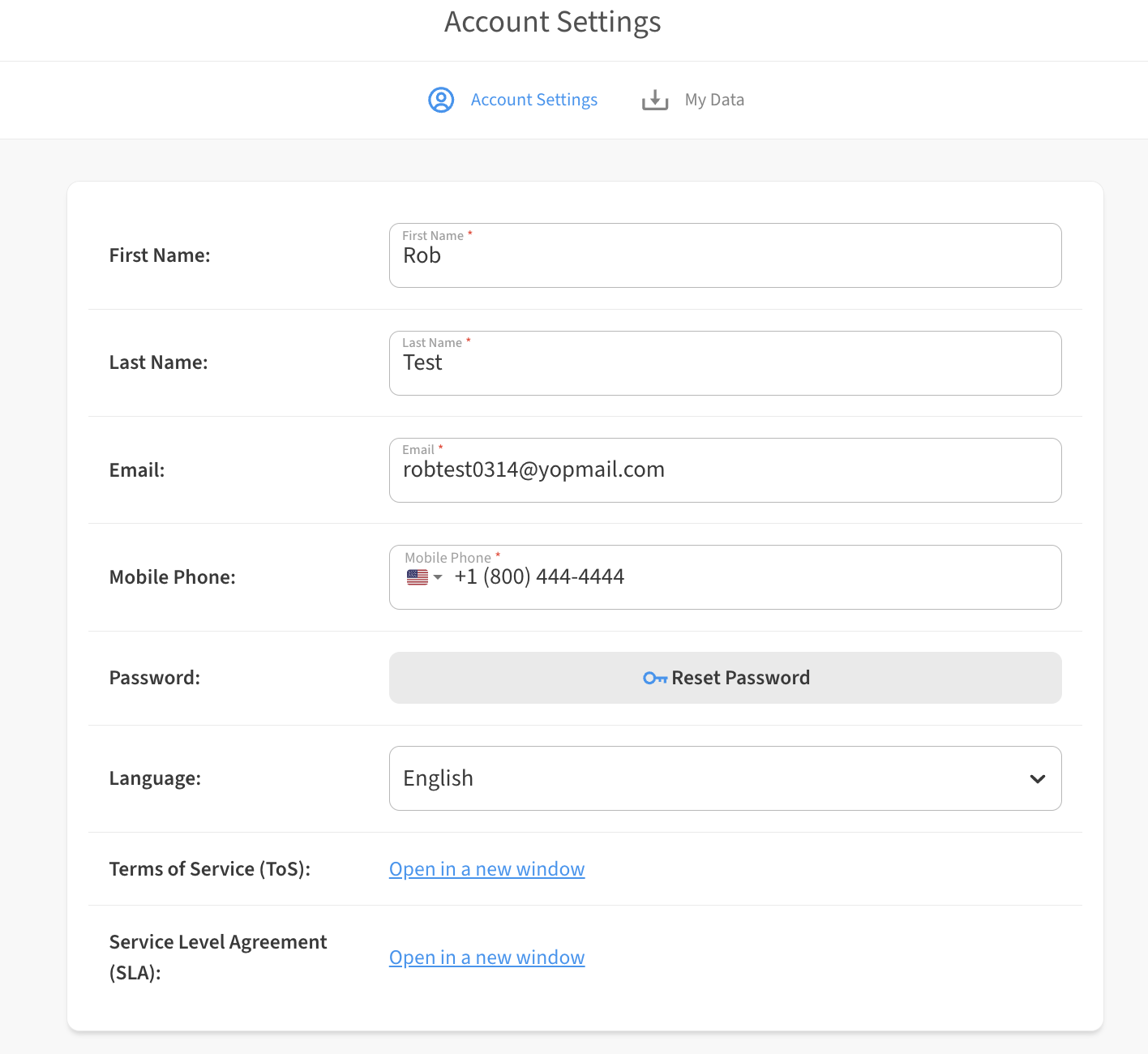
-
Don’t forget to Save button to save your changes!
Using the Forgot Password option to reset password
If you’ve forgotten your password, you can use the Forgot Password option to reset your dashboard password.
-
Go to the dashboard where your account is located and select Sign In.
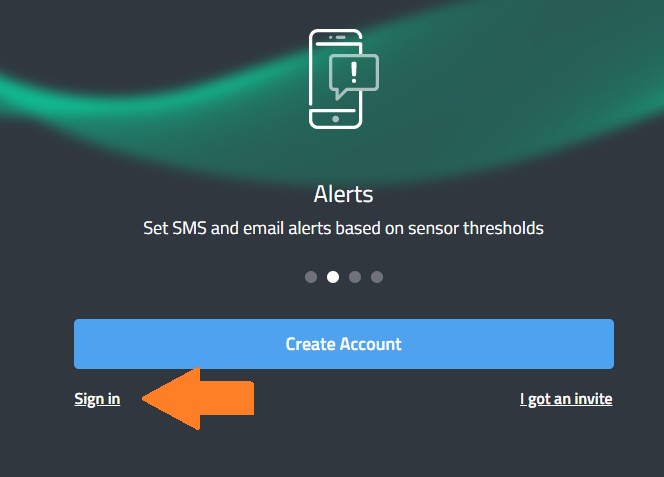
-
Select Forgot Password.
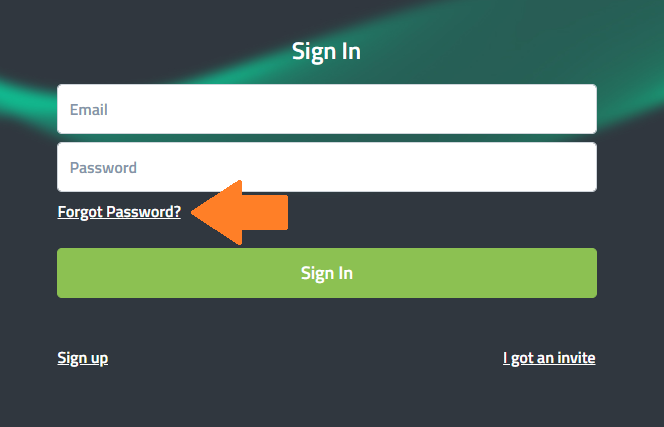
-
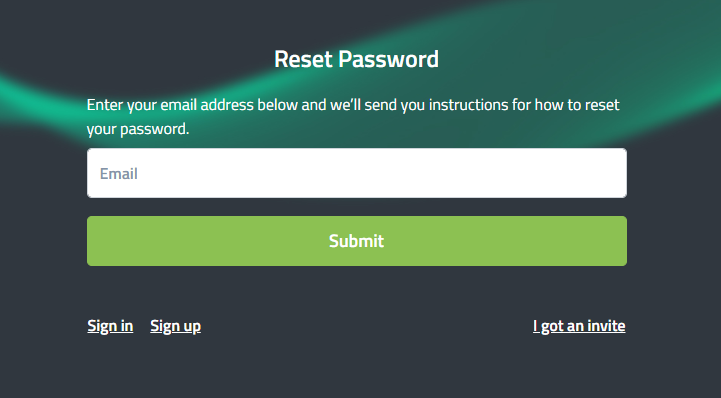
Enter the Email address for your account and click on Submit. A link to reset your password will be sent to your email inbox.
-
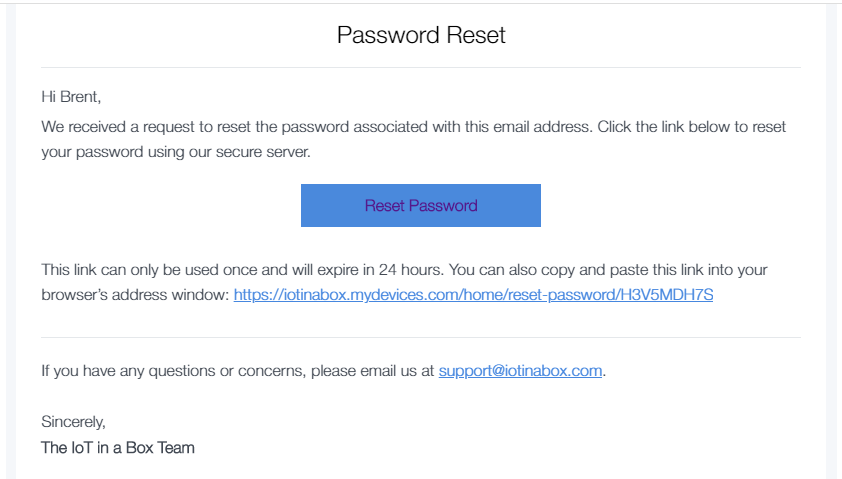
In the email you receive, select Reset Password or paste the link provided into your browser.
-
Create a new password when prompted and click Submit.
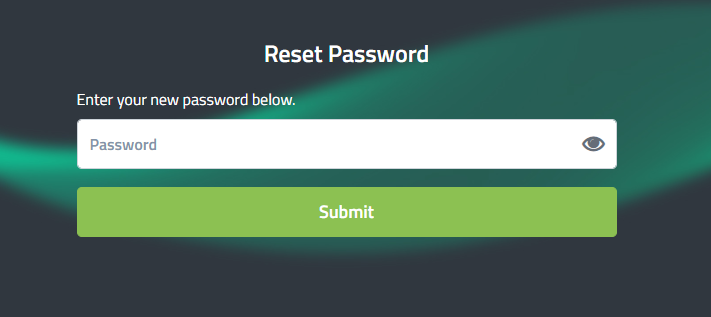
You can now sign into your dashboard account using the new password.