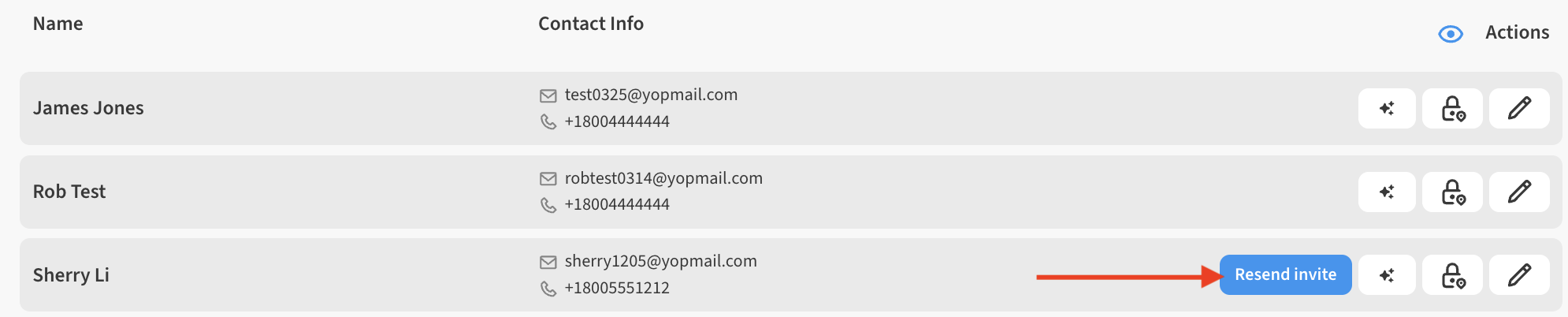
Users with an Admin or Owner role can edit the personal details of contacts who are in Invited state. This means the user was invited to the account, but has not yet accepted the invitation. You can tell if a user you invited has accepted their invitation by looking at the Contacts list via ☰ → CONTACTS. Invited users will have a Resend Invite button next to their entry. This button will be hidden as soon as they accept their invite.
If you are viewing a contact whose details you cannot modify, it may be because of one of the following:
-
You are not the Admin/Owner.
Only the account Admin or Owner roles can modify invited contacts.
-
The Contact has already accepted the invitation.
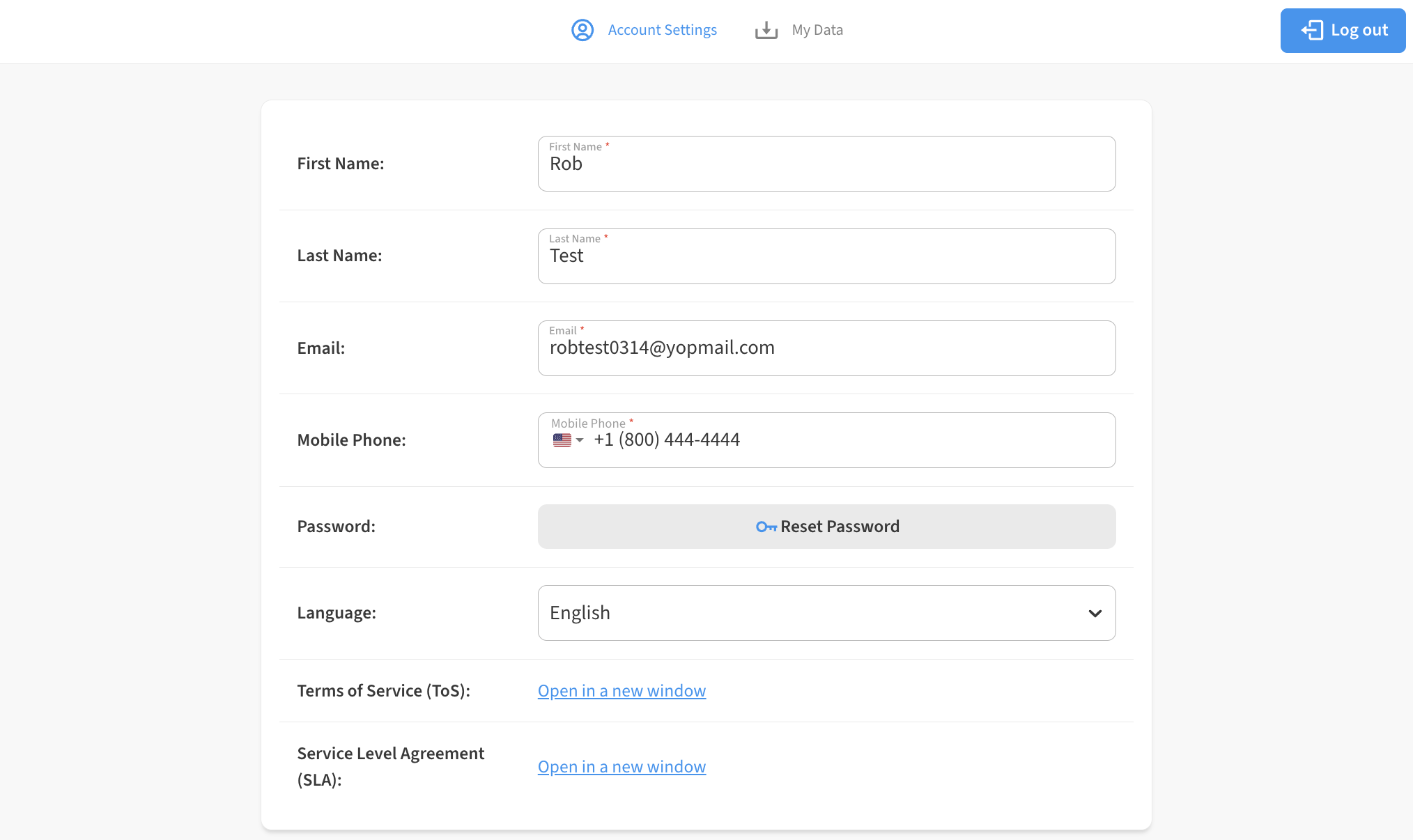
During the process of accepting an invite, a contact creates their own account and thereafter is solely responsible for controlling their own contact information. If you see an Email or Telephone number that looks like it needs to be updated, have the contact modify their own contact details via ☰ → ACCOUNT → Edit (pencil) icon on the Account Settings tab.