

You can deactivate a device from an account using the Remove Device option in the device’s Settings tab. This will remove the device from the account and allow it to be added into another account.
-
Open your dashboard account and click the Gear icon for the device you want to remove to access it’s Settings tab

-
Scroll down and use the Remove Device option.
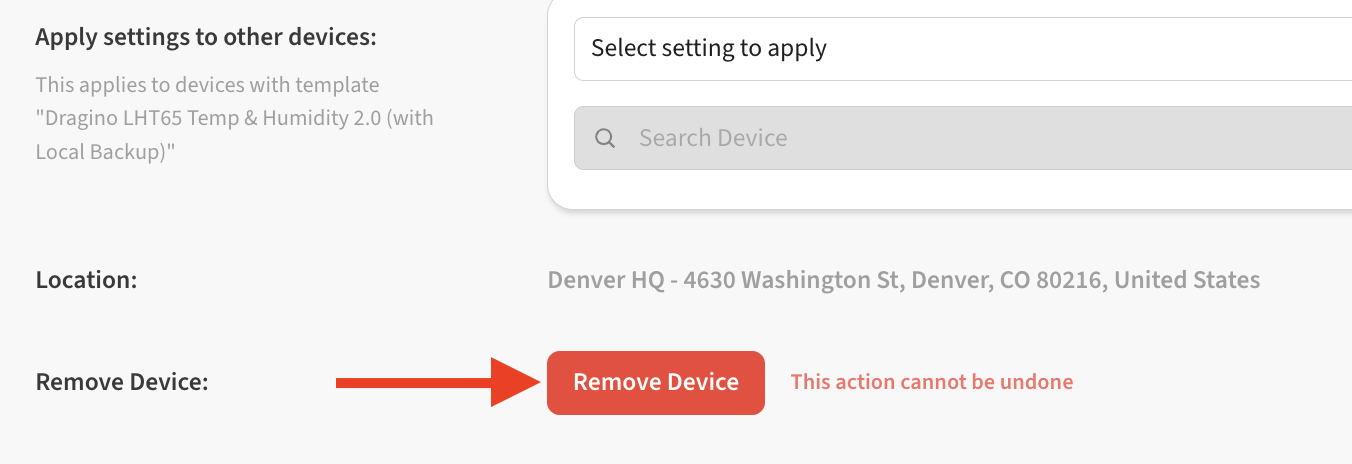
-
Confirm the device removal with Confirm Delete
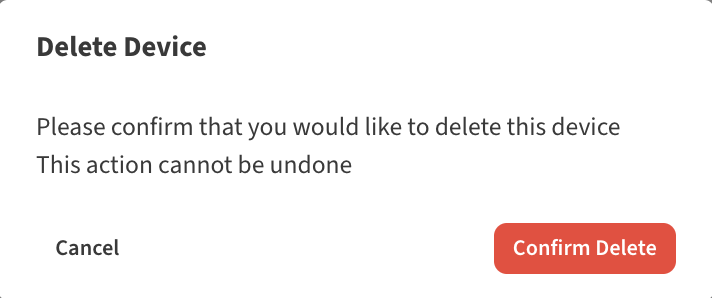
What happens to my data if I delete my device?
Removing a device from the account will also clear device history and remove any alerts associated with that device . When that device is re-added to a new account, history for the device will start fresh.
If you would like to do an in-place replacement of the hardware without losing history, see How to replace a device without losing history .