

Activation
-
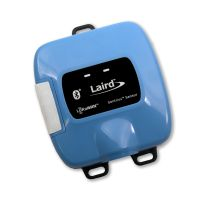
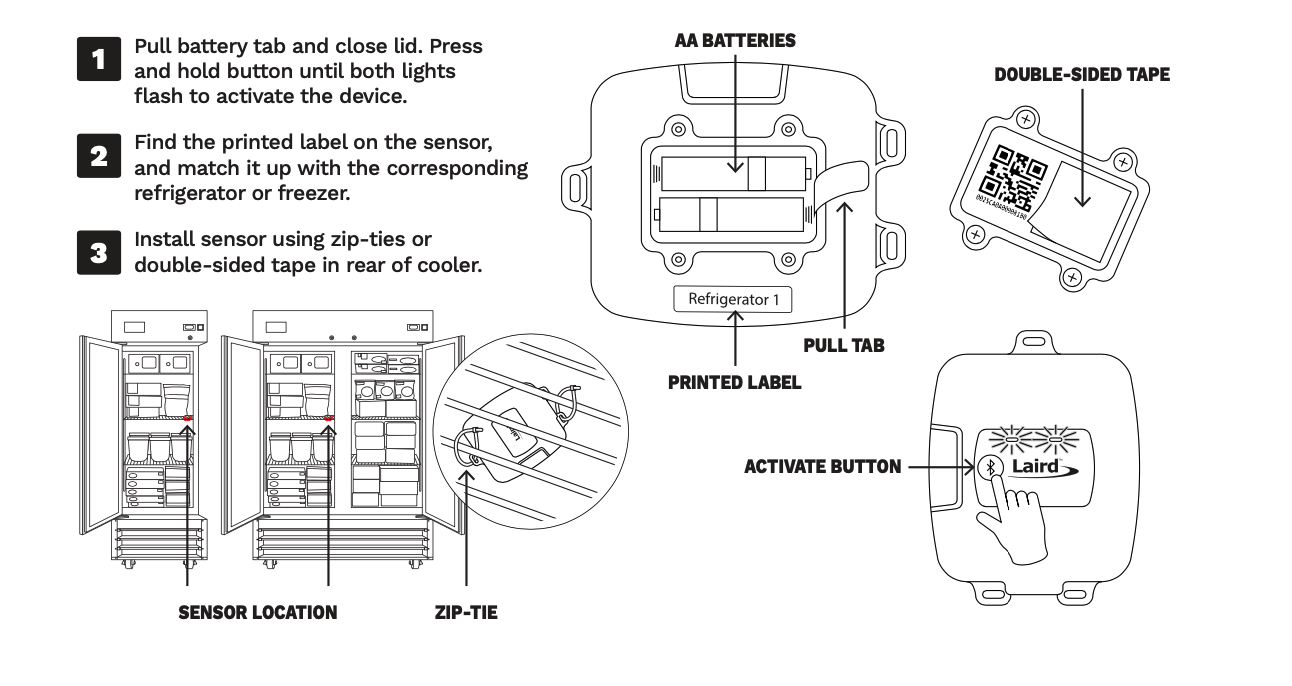
Insert the batteries into the sensor. Press and hold the button until both lights flash.
Installation
Support for Local Backup
This device can be configured with the Local Backup feature which allows for up to a week’s worth of data to be stored locally on the device in case of extended network interruption. After recovering, stored data is automatically uploaded and will appear in history.
For more information on this feature please see Offline Data Retrieval.
Reset
-
To reset the Laird Temperature Sensor, simply unscrew the back panel, remove the AA batteries, and wait 10 seconds before replacing them. The sensor should reconnect automatically when the batteries are inserted. If it does not, press and hold the button until both lights flash.