

The AI Context feature allows you to save domain expertise and metadata related to your devices and locations to enhance the accuracy of our AI recommendations and alerts. This input gives essential context to sensor and location data, enabling smarter insights and tailored solutions for improved system performance.
The AI Context feature is available for each Device/Gateway paired to the web app, as well as for all Companies and Locations
Access the AI Context Editor
To access the AI Context editor for any Device or Location, simply click on the AI Context icon located next to the Menu button (for Locations) or on the device’s tile (for sensors and gateways)

Adding Description AI Context
You can use the Description section to add text-based contextual information for any device or location
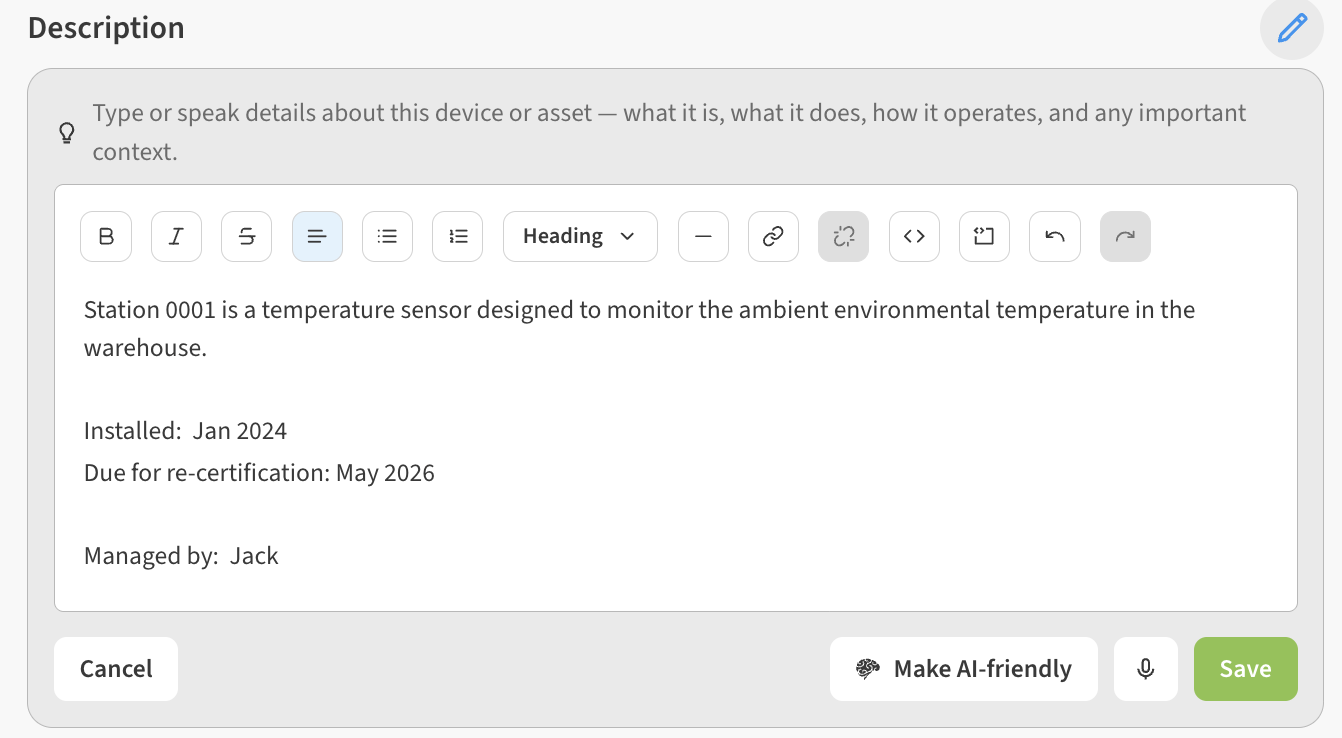
Be sure to click Save to save any Description you’ve added/edited.
You can optionally use the Microphone button to speak into your computer or phone to dictate descriptive text instead of typing.

Optimize Description text for AI use
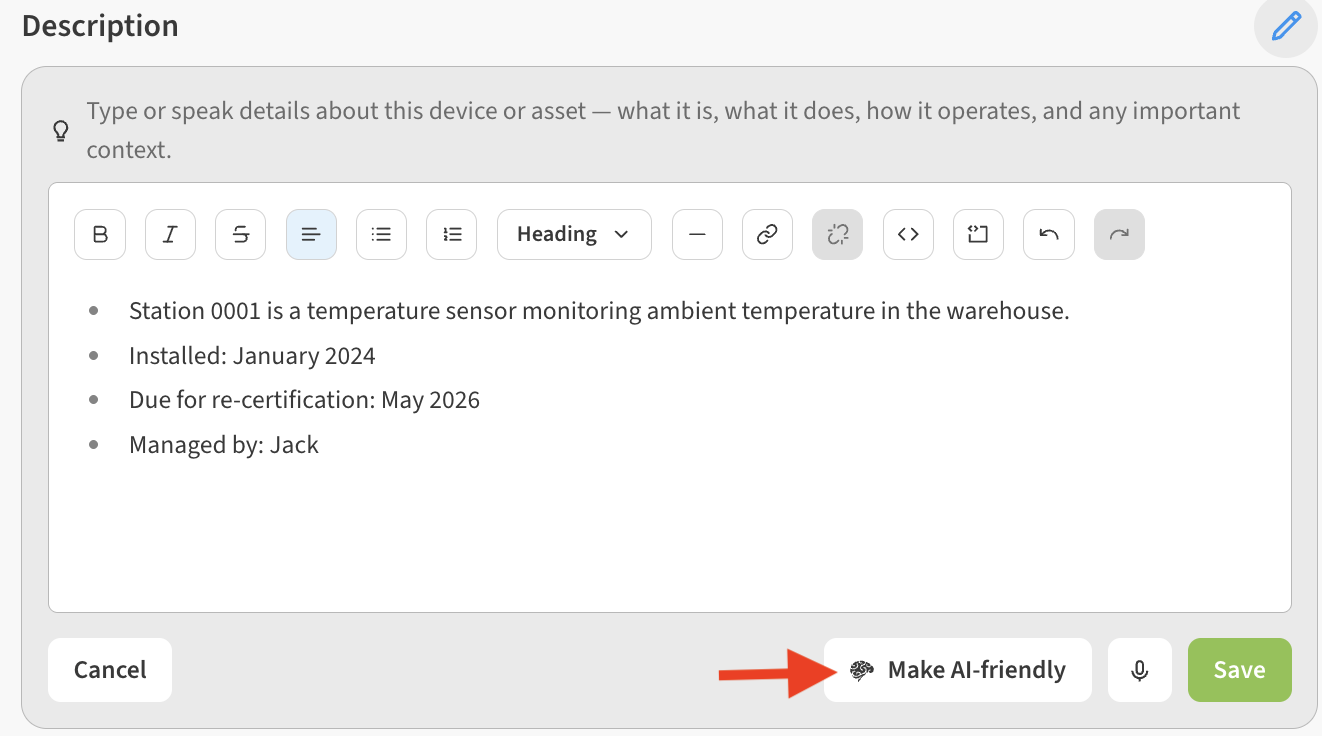
You can use the Make AI-Friendly button to organize the description you’ve typed/dictated with our AI to clean, structure, and standardize the content for AI readability and vector ingestion.
Add Files and Images AI Context
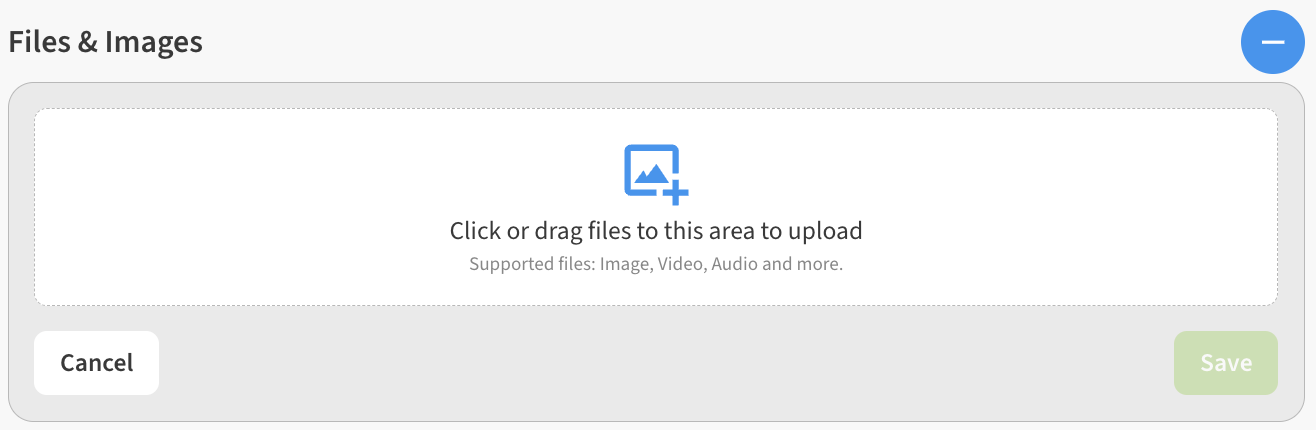
You can click or drag files, images, audio, or video to upload them in the Files & Images AI Context area.
After they are uploaded, each file will get an entry in the Files & Images AI Context list.
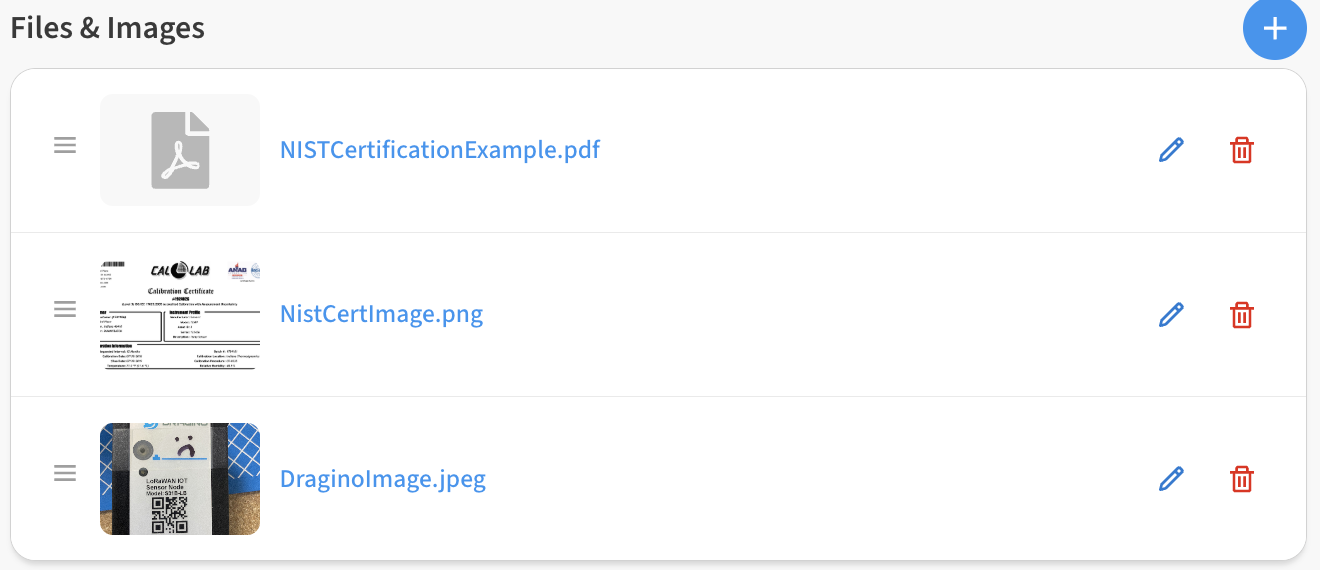
To edit or delete these entries you can use the Edit (pencil) or Delete (trash can) icons next to each file entry.