Activation
-
Pull the tab until the light appears.
Re-join sensor
If the pull tab has already been removed and you need to re-join the sensor, please try:
-
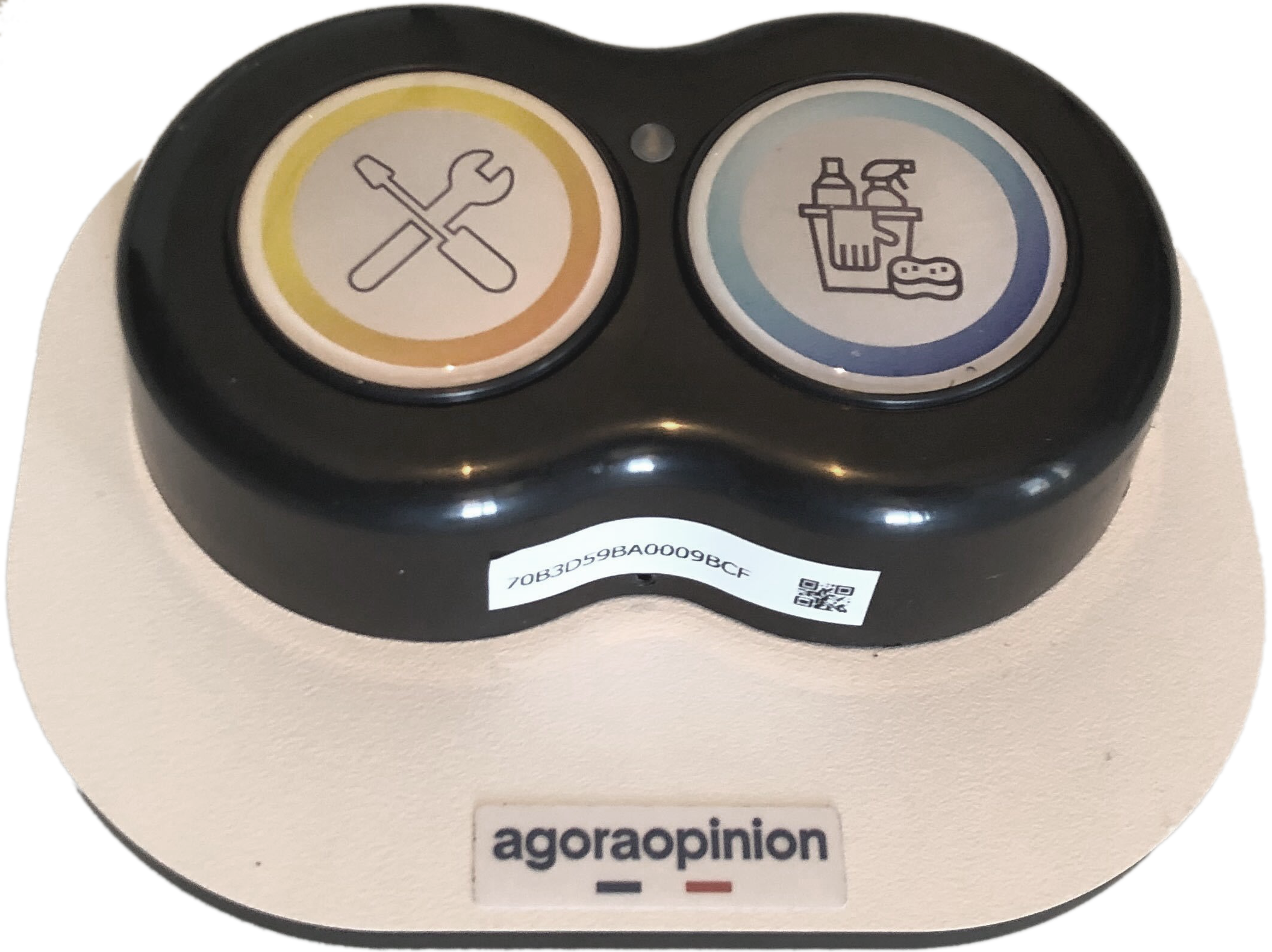
Press and hold both buttons simultaneously
-
Keep holding for 5-10 seconds
-
Release when you see the LED indication (a blink pattern confirming a join attempt)
-
The device will immediately send a JoinRequest and attempt to reconnect to the network
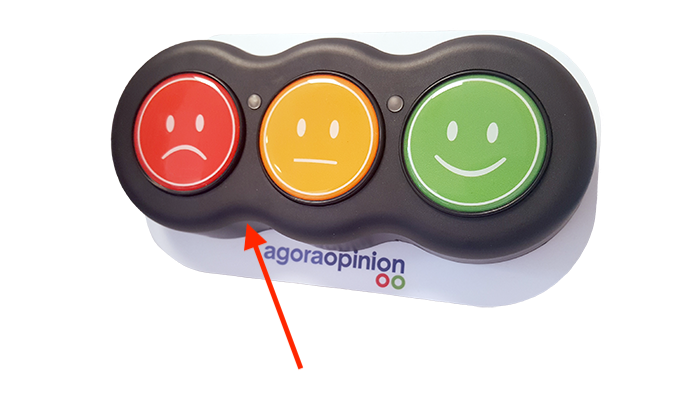
On some models of AgoraOpinion buttons, you can trigger a JoinRequest by touching a provided magnet underneath the buttons which will trigger a sensor to re-join the unit. You’ll see lights blink to confirm.
Here is a picture of the general area to aim for: