Activation
-
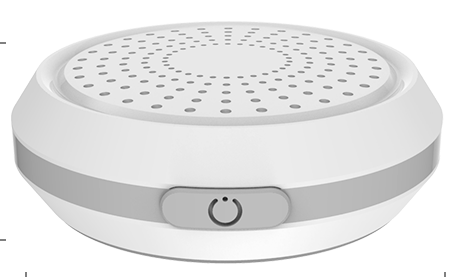
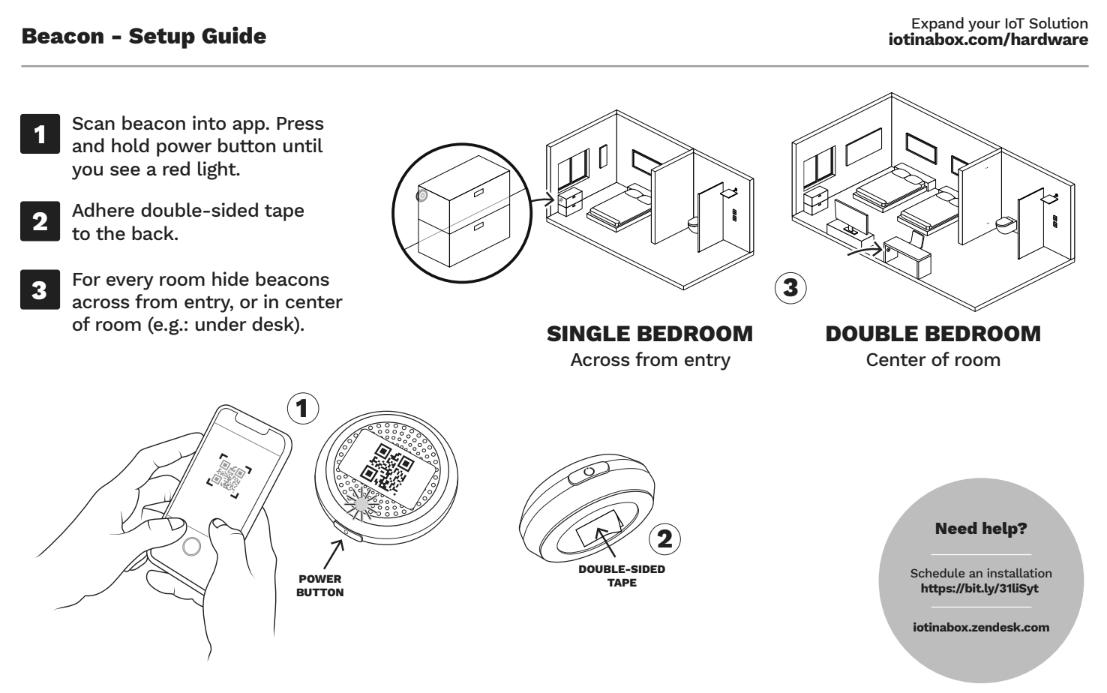
Press and hold the power button. You should see a blinking red light, indicating that the beacon was turned ON.
If you see a solid red light, the beacon was already on, and you just turned it off. Please repeat pressing and holding the power button until you see a blinking red light (indicating it is turned ON)
Installation
How to Replace a beacon
See How to replace a device without losing history
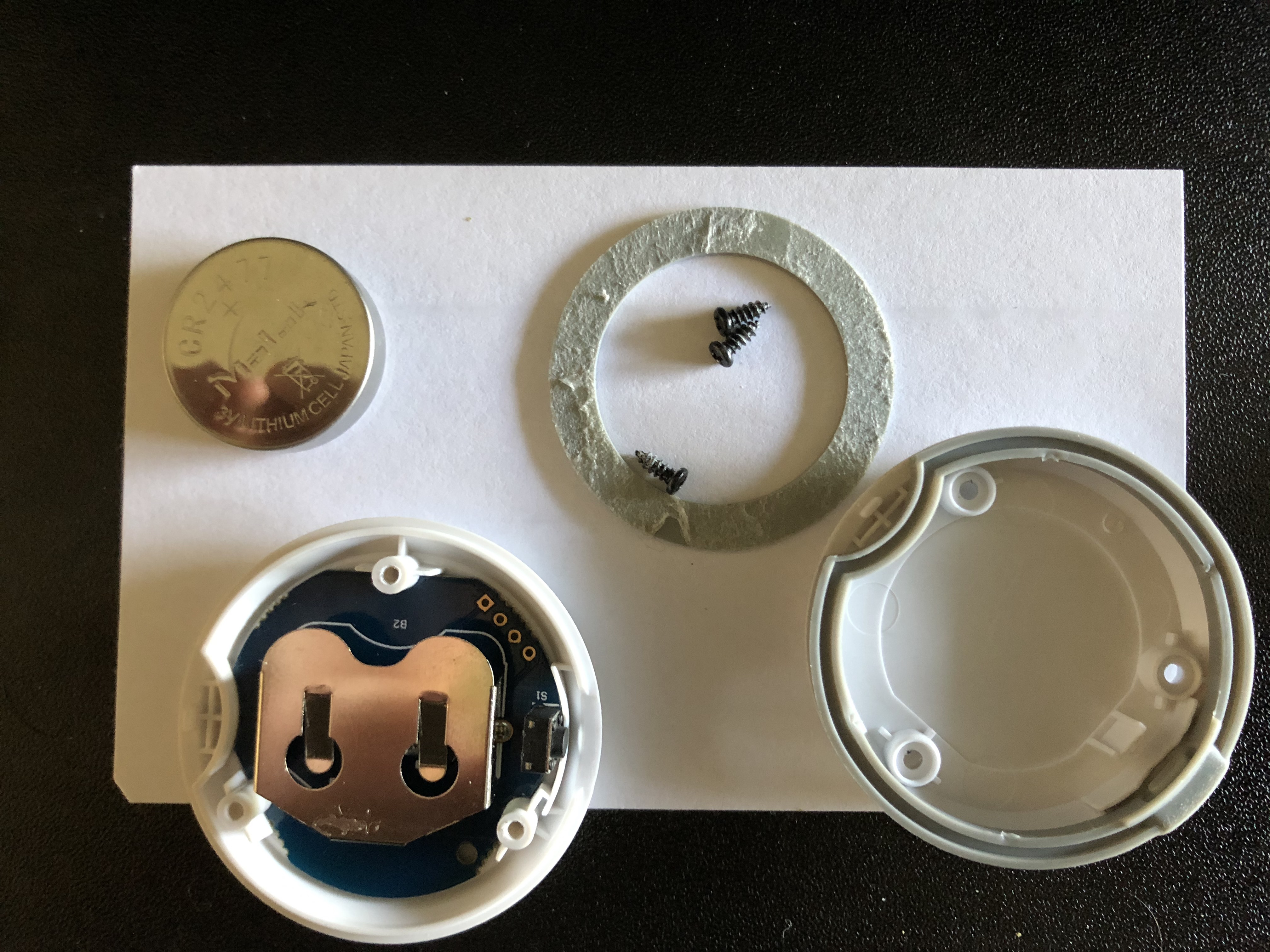
Replace beacon battery
Required Tools: mini Phillips screwdriver, CR2477 coin battery
When beacon battery is reporting low, you will need to change the battery.
Once battery is change, repeat the Activation step to get the beacon online.