Activation
-
Open the unit by removing screws from the plastic cover
-
Insert the 3.6V AA batteries
-
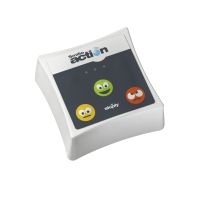
Flip the unit over. You’ll see a series of blinking lights while it searches for the network to join.
-
When you see solid red lights, the device is fully activated and you should see data on the web dashboard.
-
Screw back on the plastic cover and proceed with installation
Installation
Peel off the included adhesive backing to affix to wall or other object
Reset
-
Open the unit by removing screws from the plastic cover
-
Remove the 3.6V AA batteries. Wait 10 seconds. Re-insert the 3.6V AA batteries.
-
Flip the unit over. You’ll see a series of blinking lights while it searches for the network to join.
-
When you see solid red lights, the device is fully reset and re-activated and you should see data on the web dashboard.