

Activation
-
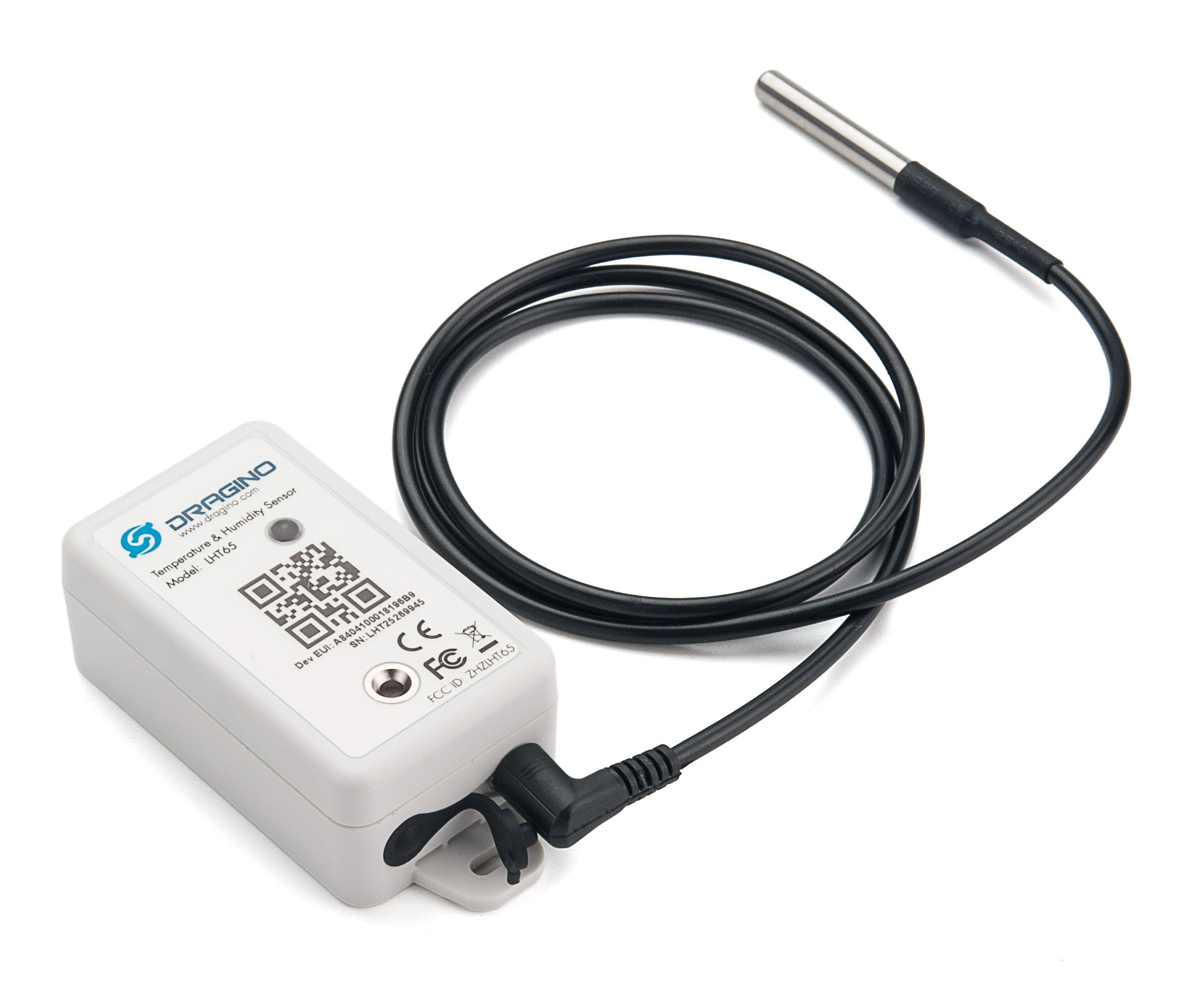
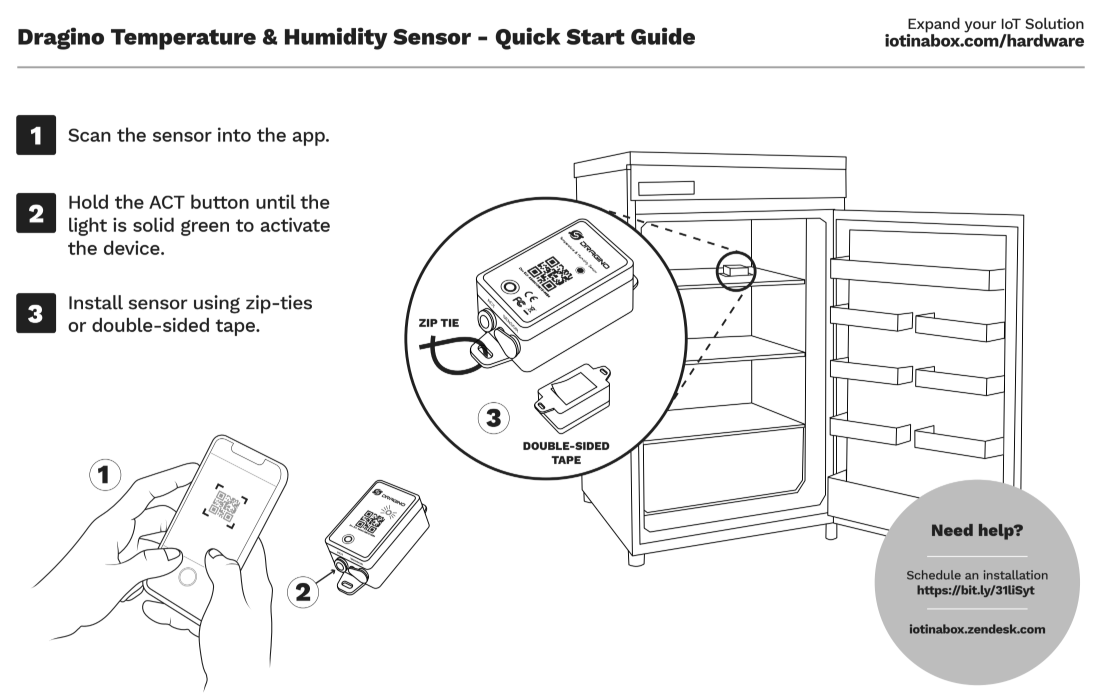
Press and hold the ACT button until you see a rapidly blinking green light, then release.
The sensor should connect online 10-15 seconds later. You’ll see a long green light as confirmation. If you see a repeating blinking red light instead, then try moving the sensor closer to the gateway and repeating the activation steps.
Installation
Reset
-
Click the ACT button 5 times. Sensor will respond with a long red light
-
Press and hold the ACT button until you see a rapidly blinking green light, then release.
The sensor should connect online 10-15 seconds later.