

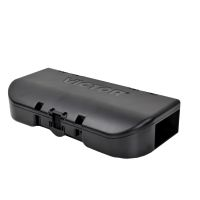
Activation
-
Open the sensor and pull out the chamber
-
Slide the battery pack out and take off the cover
-
Insert the 4 included batteries into the battery pack
-
Once the batteries are secure, use a screwdriver to screw the cover back on to the battery pack
-
Place the battery pack back in the sensor and slide it into place
-
Place the chamber in until you hear it click
Reset
-
Open the sensor and pull out the chamber
-
Slide the battery pack out and take off the cover
-
Remove the 4 batteries from the battery pack and wait at least 10 seconds
-
Insert the batteries back into the battery pack
-
Once the batteries are secure, use a screwdriver to screw the cover back on to the battery pack
-
Place the battery pack back in the sensor and slide it into place
-
Place the chamber in until you hear it click